Modern AI infrastructure must integrate a heterogeneous compute platform combining CPUs, GPUs, and specialized chips from vendors like Groq, Cerebras, and SambaNova. This diversity drives efficiency but introduces complexity. The solution is a hardware abstraction layer using frameworks like OpenXLA and NVIDIA Triton to compile and serve models across different backends. This approach decouples your software from the underlying silicon, enabling you to leverage the best hardware for each specific workload, from high-throughput inference to complex training tasks.

Guide
How to Design AI Infrastructure for Hardware Diversity
A developer guide to building a heterogeneous AI compute platform that integrates CPUs, GPUs, and specialized chips from Groq, Cerebras, and SambaNova. Learn to abstract hardware differences, build a unified scheduler, and benchmark workloads for optimal placement to future-proof against rapid innovation.
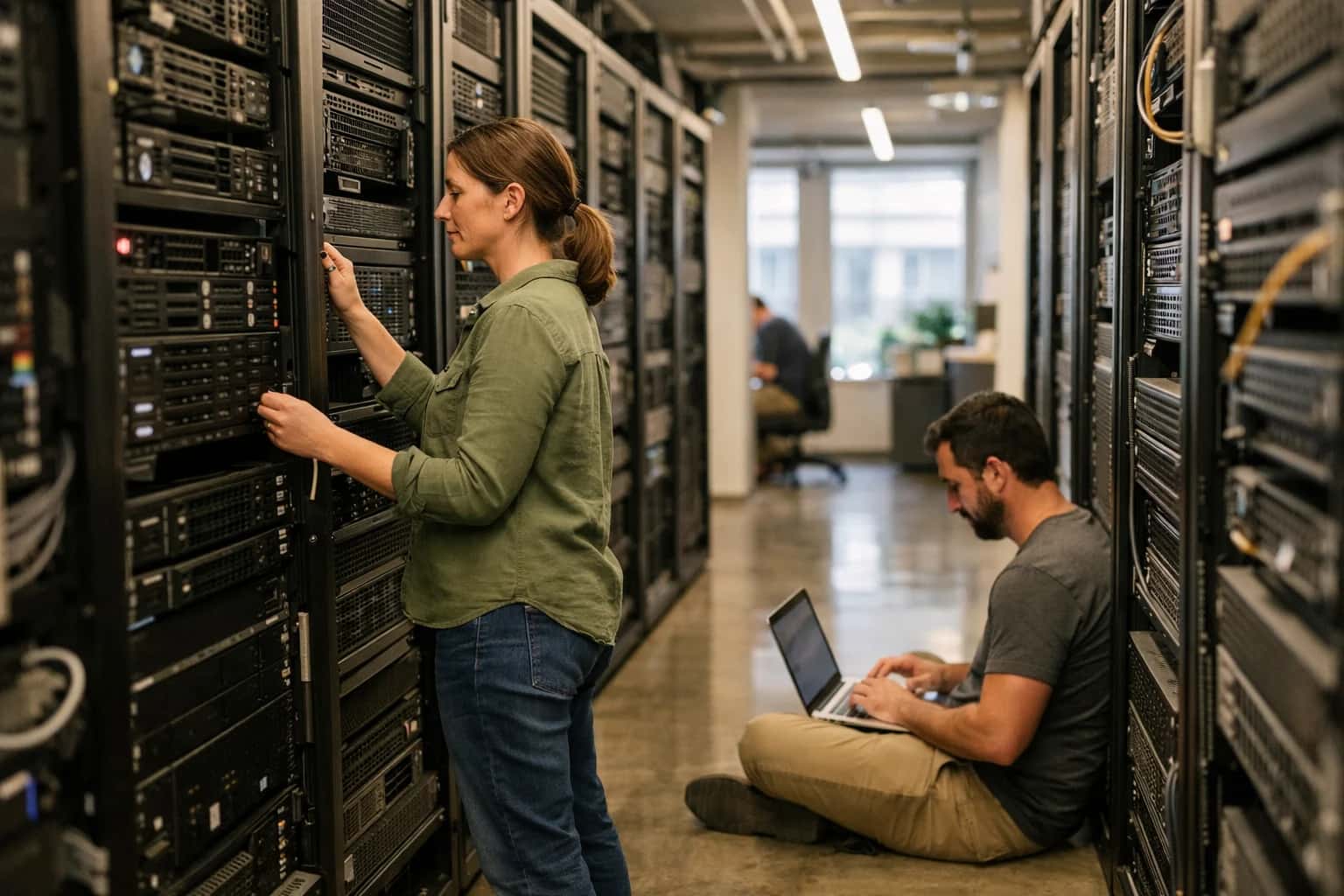
Learn to architect a heterogeneous compute platform that integrates diverse AI accelerators for optimal performance and future-proofing.
To manage this diversity, you need a unified scheduler and a rigorous benchmarking process. The scheduler, built on Kubernetes with device plugins, must understand the capabilities of each accelerator type for optimal job placement. Simultaneously, you must benchmark workloads across your hardware portfolio to create a performance profile database. This data-driven approach allows your system to make intelligent placement decisions, balancing latency, throughput, and cost, which is critical for scaling AI inference efficiently across a mixed fleet.
KEY DECISION FACTORS
Hardware Accelerator Comparison Matrix
A feature and performance comparison of leading AI accelerator architectures to inform hardware selection and workload placement in a heterogeneous infrastructure.
| Feature / Metric | NVIDIA GPU (e.g., H100) | Specialized AI Chip (e.g., Groq LPU) | Cerebras Wafer-Scale Engine |
|---|---|---|---|
Core Architecture | General-Purpose CUDA Cores + Tensor Cores | Deterministic Tensor Streaming Processor | Wafer-Scale, 850k AI-Optimized Cores |
Memory Bandwidth | 3.35 TB/s (HBM3) |
| 20 PB/s (On-Wafer Fabric) |
Peak INT8 TOPS | 3,958 |
| ~125,000 (Wafer-Scale) |
Software Ecosystem | CUDA, cuDNN, Triton | OpenXLA, PyTorch via Compiler | Cerebras Software Framework |
Optimal Workload | Training, General-Purpose Inference | Ultra-Low-Latency Inference | Extremely Large Model Training |
Power Efficiency (Perf/Watt) | High | Very High | Moderate (Peak Performance Focus) |
Multi-Chip Scaling | NVLink, NVIDIA Collective Comm. Library | Requires External Fabric | Single Wafer (No Multi-Chip Scaling Needed) |
Unified Scheduler Support | ✅ (via Kubernetes Device Plugins) | ✅ (requires custom device plugin) | ✅ (via Kubernetes Operator) |
ARCHITECTURE
Step 3: Build a Unified Resource Scheduler
A unified scheduler is the central nervous system for heterogeneous AI infrastructure, abstracting hardware complexity to place workloads optimally.
A unified resource scheduler sits atop your heterogeneous hardware—CPUs, GPUs, and specialized chips from Groq or Cerebras—and treats them as a single, abstracted pool. It uses frameworks like OpenXLA and NVIDIA Triton to compile and serve models across different accelerators without developer intervention. The scheduler's core function is to match workload requirements (e.g., low-latency inference, high-throughput training) with the most suitable and available hardware, maximizing utilization and minimizing cost. This is critical for future-proofing against rapid chip innovation.
Implement the scheduler using Kubernetes with device plugins and a custom scheduler extender, or leverage platforms like Run:AI or Kueue. Key features to configure include gang scheduling for distributed training jobs, fair-share queuing to prevent team resource starvation, and topology-aware placement to minimize inter-node latency. Integrate with your monitoring stack to feed real-time metrics on GPU memory, thermal limits, and power draw into scheduling decisions, creating a self-optimizing infrastructure layer for your AI data center.
HARDWARE ABSTRACTION & MANAGEMENT
Essential Tools and Frameworks
To manage diverse AI chips, you need a software stack that abstracts hardware differences, automates workload placement, and provides a unified operational plane.
Enabling Efficiency, Speed & Accuracy
Intelligent Analysis, Decision & Execution
We build AI systems for teams that need search across company data, workflow automation across tools, or AI features inside products and internal software.
Talk to Us
Search across company data
Give teams answers from docs, tickets, runbooks, and product data with sources and permissions.
Useful when people spend too long searching or get different answers from different systems.
Enterprise searchRAGPermissions
Read more
Automate internal workflows
Use AI to route work, draft outputs, trigger actions, and keep approvals and logs in place.
Useful when repetitive work moves across multiple tools and teams.
AI agentsWorkflow automationGovernance
Read more
Add AI to products and internal tools
Build assistants, guided actions, or decision support into the software your team or customers already use.
Useful when AI needs to be part of the product, not a separate tool.
AI integrationDecision supportModel routing
Read moreHARDWARE DIVERSITY
Common Mistakes
Designing infrastructure for diverse AI chips is a complex architectural challenge. These are the most frequent and costly mistakes teams make when integrating CPUs, GPUs, and specialized accelerators.
This is a classic hardware mismatch error. A chip's peak theoretical performance (e.g., TOPS) is irrelevant if your workload's compute pattern doesn't align with its architecture. For example, a Groq LPU excels at deterministic, high-throughput inference but may underperform on irregular, branching control logic better suited for a CPU.
How to fix it:
- Profile first: Use tools like NVIDIA Nsight, Intel VTune, or vendor-specific profilers to identify your workload's bottlenecks (compute-bound, memory-bound, I/O-bound).
- Match patterns: Map dense matrix ops to GPUs, sequential control to CPUs, and ultra-low-latency inference to LPUs like Groq.
- Benchmark realistically: Test with your actual model, batch size, and data pipeline, not synthetic benchmarks.

About the author
Prasad Kumkar
CEO & MD, Inference Systems
Prasad Kumkar is the CEO & MD of Inference Systems and writes about AI systems architecture, LLM infrastructure, model serving, evaluation, and production deployment. Over 5+ years, he has worked across computer vision models, L5 autonomous vehicle systems, and LLM research, with a focus on taking complex AI ideas into real-world engineering systems.
His work and writing cover AI systems, large language models, AI agents, multimodal systems, autonomous systems, inference optimization, RAG, evaluation, and production AI engineering.
LinkedIn
Limited slotsGet a Free AI Consultation
Partnered with leading AI, data, and software stack.





How We Work
Custom AI workflows for your Business
One-fit-all AI don't work for modern businesses. At Inferensys, we aim to understand your business & custom requirements; which we use to define most efficient agentic workflows, the data, and the tools for your business.
01
Review the use case
We understand the task, the users, and where AI can actually help.
Read more02
Pick the right approach
We define what needs search, automation, or product integration.
Read more03
Build the first useful version
We implement the part that proves the value first.
Read more04
Improve from there
We add the checks and visibility needed to keep it useful.
Read moreThe first call is a practical review of your use case and the right next step.
Talk to Us