A checkpoint is a serialized snapshot of a machine learning model's entire state at a specific point during or after training. This file typically includes the model's architecture definition, all learned weight parameters, the state of the optimizer (e.g., momentum values), and the current training step or epoch. It serves as a persistent backup, allowing training to be resumed from an exact point after an interruption, which is critical for long-running jobs on potentially unstable hardware.

Glossary
Checkpoint
A checkpoint in machine learning is a saved file containing the complete state of a trained model, including its architecture and learned weights, allowing training to be resumed or the model to be deployed for inference.
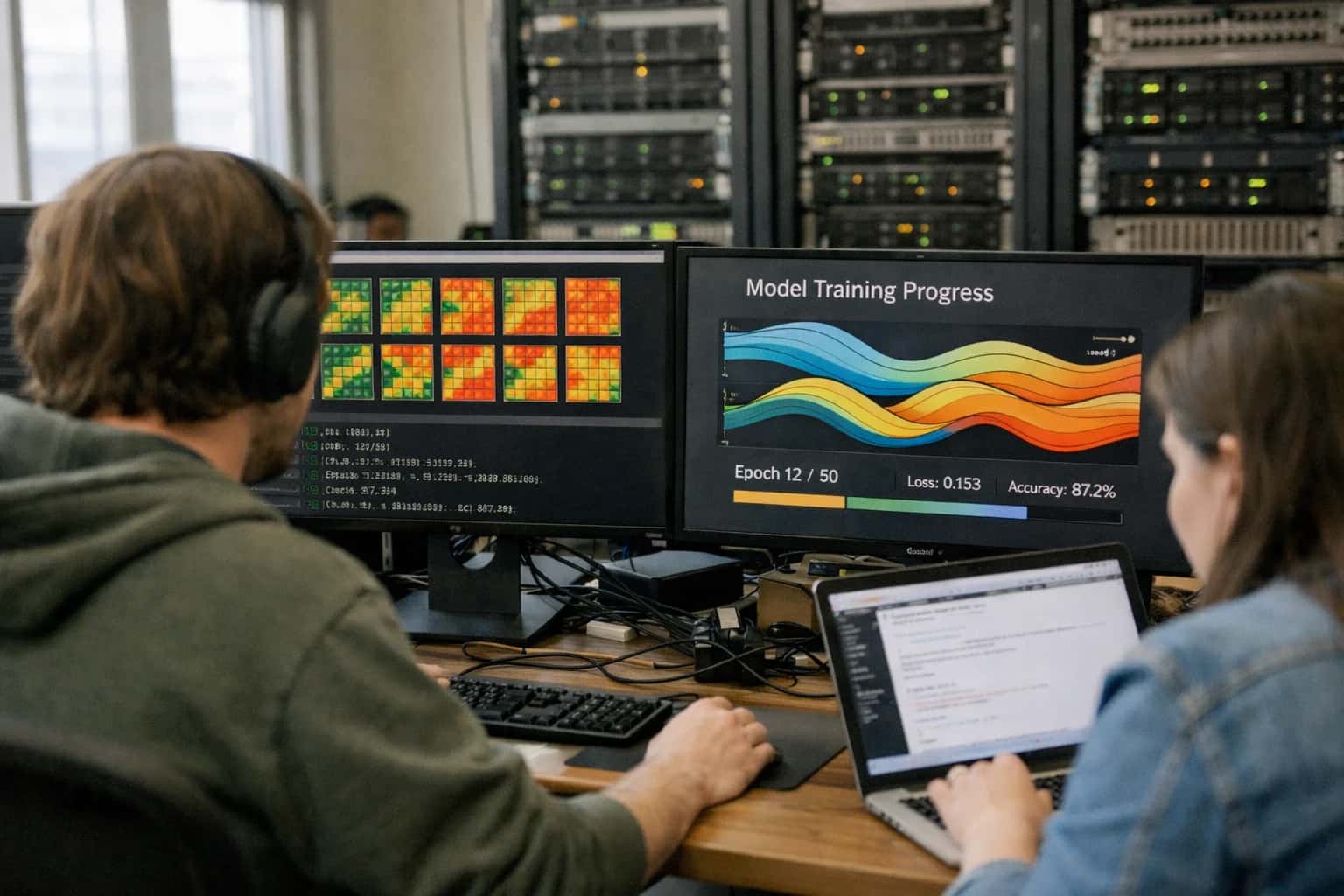
MACHINE LEARNING GLOSSARY
What is a Checkpoint?
A checkpoint is a saved file containing the complete state of a trained model, enabling training resumption or deployment.
Beyond training resilience, checkpoints are the primary artifact for model deployment. The saved weights are loaded into an identical architecture for inference. In generative AI, particularly text-to-image models like Stable Diffusion, community-shared checkpoints represent distinct model variants fine-tuned on specific artistic styles or concepts. Techniques like LoRA often produce small checkpoint files containing only the adapter weights, which are applied atop a base model checkpoint to modify its output behavior.
TEXT-TO-IMAGE GENERATION
Key Components of a Checkpoint
A checkpoint is more than just saved weights; it is a complete, portable snapshot of a model's state. Understanding its components is essential for effective training management, deployment, and model sharing.
01
Model Weights
The model weights are the core learned parameters of the neural network, representing the strength of connections between neurons. In a checkpoint, these are stored as tensors in a format like PyTorch's .pt or .pth or TensorFlow's .ckpt. This is the "knowledge" acquired during training.
- Primary Function: Enables inference without retraining.
- Storage Format: Typically a state dictionary mapping layer names to parameter tensors.
- Example: In a U-Net for diffusion, this includes the convolutional filters and attention layer parameters.
02
Model Architecture & Configuration
A checkpoint must contain or be paired with the model architecture definition—the blueprint of layers and operations. For frameworks like PyTorch, this is often the Python class code itself. The configuration includes hyperparameters like:
- Network dimensions (e.g., number of channels, layers, hidden size).
- Conditioning mechanisms (e.g., cross-attention heads for text).
- Model-specific settings (e.g., the noise schedule type for a diffusion scheduler).
Without this, the weights are meaningless, as they cannot be loaded into a valid computational graph.
03
Optimizer State
The optimizer state is a critical component for resuming training. It includes all momentums, velocities, and adaptive learning rate parameters (e.g., for Adam or SGD with momentum). Saving this state allows training to continue exactly from where it stopped, preventing disruption to the convergence process.
- Contains: Optimizer's internal buffers (like first and second moment estimates in Adam).
- Purpose: Ensures training stability and continuity after an interruption.
- Consideration: This component is only necessary for training resumption and is often omitted in deployment/inference-only checkpoints to reduce file size.
04
Training Metadata
Training metadata provides essential context about how the model was created. This includes:
- Training step/epoch number: Tracks progress in the training loop.
- Loss values: Historical loss curves for analysis.
- Learning rate schedule: The current or scheduled learning rate.
- Random number generator states: For PyTorch/TensorFlow, ensuring reproducible training resumption.
- Dataset and data loader information: References to the training data distribution.
This metadata is vital for debugging, reproducibility, and understanding the model's provenance.
05
Tokenizer & Text Encoder (Conditional Models)
For conditional generative models like Stable Diffusion, the checkpoint is incomplete without the tokenizer and text encoder (e.g., CLIP's text transformer). These components are required to process the input text prompt into the conditioning embeddings that guide image generation.
- Tokenizer: Maps the text string to a sequence of token IDs.
- Text Encoder: Transforms token IDs into a dense conditioning vector (e.g., a 768-dimensional embedding).
- Integration: In many deployment scenarios, these are saved separately but are indispensable for the full text-to-image pipeline.
06
Scheduler State (Diffusion Models)
In diffusion models, the scheduler (or sampler) controls the noise schedule—the variance of noise added/removed at each denoising step. Its state can include:
- Current noise schedule parameters (e.g., beta values).
- Algorithm-specific buffers (e.g., for DDIM or DPM-Solver).
- Step index if generation is paused mid-process.
Saving this state is necessary for deterministic generation or for resuming a specific sampling trajectory, ensuring consistent outputs across sessions.
MECHANICAL OVERVIEW
How Checkpoints Work in Practice
A checkpoint is a saved file containing the complete state of a trained model, enabling training resumption and model deployment. This section details its practical mechanics.
In practice, a checkpoint is a serialized snapshot of a model's entire state at a specific point during training. It typically includes the model's architecture definition, all learned weight parameters, the optimizer state (e.g., momentum buffers in SGD), and the current training step or epoch. This comprehensive capture allows training to be resumed from the exact same point without losing progress, which is critical for long-running jobs on preemptible cloud infrastructure or for recovery from hardware failures.
For deployment, a checkpoint is often converted into a standalone inference artifact, such as a SavedModel in TensorFlow or a torch.jit script in PyTorch, which strips out training-specific components. In text-to-image generation, checkpoints for models like Stable Diffusion contain the U-Net denoiser, text encoder, and VAE weights. Practitioners use these saved states for fine-tuning with techniques like LoRA or DreamBooth, or to deploy specific model versions with known performance characteristics, ensuring deterministic and reproducible image generation.
MODEL PERSISTENCE
Checkpoint vs. Export vs. Snapshot
A comparison of three primary methods for saving the state of a machine learning model, each serving distinct purposes in the development lifecycle.
| Feature | Checkpoint | Export | Snapshot |
|---|---|---|---|
Primary Purpose | Resume training from an exact state | Deploy a finalized model for inference | Archive a complete training environment for reproducibility |
Contents | Model weights, optimizer state, learning rate, epoch, random seed, loss history | Model architecture and final trained weights (often in a framework-agnostic format) | Model checkpoint, training code, library dependencies, dataset version, configuration files, system logs |
Format | Framework-specific binary (e.g., PyTorch | Standardized format (e.g., ONNX, TensorFlow SavedModel, PyTorch TorchScript) | Containerized image (e.g., Docker) or versioned code/data bundle (e.g., DVC, MLflow project) |
Size | Medium (weights + optimizer state) | Smallest (weights only, often optimized) | Largest (full code, data, and environment) |
Framework Dependency | High (typically requires original framework for loading) | Low (designed for cross-framework compatibility via runtimes) | High (requires recreating the exact software environment) |
Used For | Training interruption/recovery, fine-tuning, hyperparameter experimentation | Production deployment, model serving, edge device inference | Auditing, regulatory compliance, paper reproduction, team handoff |
Modifiability | High (training can be resumed or weights can be loaded into a new model) | Low (architecture is fixed; used for prediction only) | High (entire environment can be re-instantiated and modified) |
Key Tools | PyTorch | ONNX Runtime, TensorFlow Serving, TorchServe, Hugging Face | Docker, MLflow Projects, DVC, Weights & Biases Artifacts, CodeOcean |
IMPLEMENTATION PATTERNS
Checkpoint Usage in Major Frameworks
A checkpoint's format and loading mechanism are framework-specific. This section details the standard APIs and file structures used in popular machine learning libraries to save and resume model state.
01
PyTorch: `.pt` or `.pth` Files
PyTorch checkpoints are typically saved using torch.save(), which serializes the model's state_dict (a Python dictionary mapping layers to their parameters) and optionally the optimizer state and epoch. The standard file extensions are .pt or .pth.
Key API Calls:
- Save:
torch.save({'model_state_dict': model.state_dict(), 'optimizer_state_dict': optimizer.state_dict(), 'epoch': epoch}, 'checkpoint.pth') - Load:
checkpoint = torch.load('checkpoint.pth'); model.load_state_dict(checkpoint['model_state_dict']); optimizer.load_state_dict(checkpoint['optimizer_state_dict'])
This flexibility allows saving the entire training session for exact resumption.
02
TensorFlow/Keras: The `.keras` Format & Callbacks
TensorFlow/Keras provides multiple checkpointing strategies. The modern, recommended format is the .keras file (a zip archive containing model architecture, weights, and training config).
Primary Methods:
- Save Model:
model.save('model.keras')saves everything needed for inference and resuming training. - Load Model:
tf.keras.models.load_model('model.keras'). - Training Callbacks: The
ModelCheckpointcallback automates saving during training, with options to save only the best model (save_best_only=True) or weights only (save_weights_only=True).
03
JAX/Flax: Checkpointing with `orbax`
In the JAX ecosystem (often with Flax for neural networks), checkpointing is handled via serialization libraries like orbax.checkpoint. Checkpoints are typically directories containing multiple files for parameters, optimizer state, and other pytrees.
Standard Workflow:
- Save: Use
orbax.checkpoint.PyTreeCheckpointer().save('checkpoint_dir/', target={'params': params, 'opt_state': opt_state}). - Load:
restored = orbax.checkpoint.PyTreeCheckpointer().restore('checkpoint_dir/').
This approach is designed for high-performance, distributed training environments common with JAX, treating the entire training state as a pytree data structure.
05
Distributed Training: Sharded Checkpoints
For models trained across multiple GPUs or TPUs (e.g., with PyTorch's FSDP or TensorFlow's distribution strategies), checkpoints are often sharded. Instead of one large file, the model state is split across multiple files, one per device or process.
Key Considerations:
- Framework Support: PyTorch Fully Sharded Data Parallel (FSDP) provides
save_sharded_model(). TensorFlow'stf.train.Checkpointcan handle distributed variables. - Loading: Requires the same or a compatible parallel configuration to correctly map shards back to the model. This is critical for resuming massive model training without out-of-memory errors.
06
Format Comparison: Safetensors vs. Pickle
The underlying serialization format is a key security and performance consideration.
- Pickle (
.pth,.ptin PyTorch): The default Python serialization. It is not secure and can execute arbitrary code during loading. It is also not optimized for fast loading. - Safetensors: A new, secure format developed by Hugging Face. It is safe (no arbitrary code execution), fast (zero-copy loading for tensors), and cross-framework (compatible with PyTorch, TensorFlow, JAX, and others).
Best Practice: Libraries are increasingly adopting Safetensors (e.g., save_pretrained(..., safe_serialization=True)). For production, prefer Safetensors to mitigate security risks in the ML supply chain.
CHECKPOINT
Frequently Asked Questions
A checkpoint is a fundamental concept in machine learning, representing a saved snapshot of a model's state. This section answers common technical questions about their purpose, mechanics, and best practices.
A checkpoint is a saved file that captures the complete state of a machine learning model at a specific point during its training process. It is a serialized snapshot that typically includes the model's architecture (the structure of its layers), its learned parameters (weights and biases), the state of the optimizer (e.g., momentum buffers in SGD), and often the current training step or epoch. This allows the training process to be resumed from that exact state without losing progress, or for the model to be deployed for inference.
Checkpoints are distinct from a final exported model format (like ONNX or TensorFlow SavedModel), as they contain the full training context needed for resumption. They are a critical tool for managing long-running training jobs, enabling fault tolerance against hardware failures and facilitating experiment tracking by saving intermediate results.
Enabling Efficiency, Speed & Accuracy
Intelligent Analysis, Decision & Execution
We build AI systems for teams that need search across company data, workflow automation across tools, or AI features inside products and internal software.
Talk to Us
Search across company data
Give teams answers from docs, tickets, runbooks, and product data with sources and permissions.
Useful when people spend too long searching or get different answers from different systems.
Enterprise searchRAGPermissions
Read more
Automate internal workflows
Use AI to route work, draft outputs, trigger actions, and keep approvals and logs in place.
Useful when repetitive work moves across multiple tools and teams.
AI agentsWorkflow automationGovernance
Read more
Add AI to products and internal tools
Build assistants, guided actions, or decision support into the software your team or customers already use.
Useful when AI needs to be part of the product, not a separate tool.
AI integrationDecision supportModel routing
Read more
About the author
Prasad Kumkar
CEO & MD, Inference Systems
Prasad Kumkar is the CEO & MD of Inference Systems and writes about AI systems architecture, LLM infrastructure, model serving, evaluation, and production deployment. Over 5+ years, he has worked across computer vision models, L5 autonomous vehicle systems, and LLM research, with a focus on taking complex AI ideas into real-world engineering systems.
His work and writing cover AI systems, large language models, AI agents, multimodal systems, autonomous systems, inference optimization, RAG, evaluation, and production AI engineering.
LinkedIn
Limited slotsGet a Free AI Consultation
Partnered with leading AI, data, and software stack.





How We Work
Custom AI workflows for your Business
One-fit-all AI don't work for modern businesses. At Inferensys, we aim to understand your business & custom requirements; which we use to define most efficient agentic workflows, the data, and the tools for your business.
01
Review the use case
We understand the task, the users, and where AI can actually help.
Read more02
Pick the right approach
We define what needs search, automation, or product integration.
Read more03
Build the first useful version
We implement the part that proves the value first.
Read more04
Improve from there
We add the checks and visibility needed to keep it useful.
Read moreThe first call is a practical review of your use case and the right next step.
Talk to Us