Blue-green deployment is a software release strategy that maintains two identical, fully isolated production environments—designated blue (the current stable version) and green (the new candidate version). After the new version is deployed and validated in the green environment, all incoming user traffic is instantly switched from blue to green, enabling zero-downtime releases and immediate rollback by simply re-routing traffic back to the blue environment. This pattern is foundational to continuous delivery and is a core technique within MLOps for safely deploying new machine learning models.

Glossary
Blue-Green Deployment
A release strategy that maintains two identical production environments (blue and green) for instantaneous traffic switching, enabling zero-downtime releases and fast rollbacks.
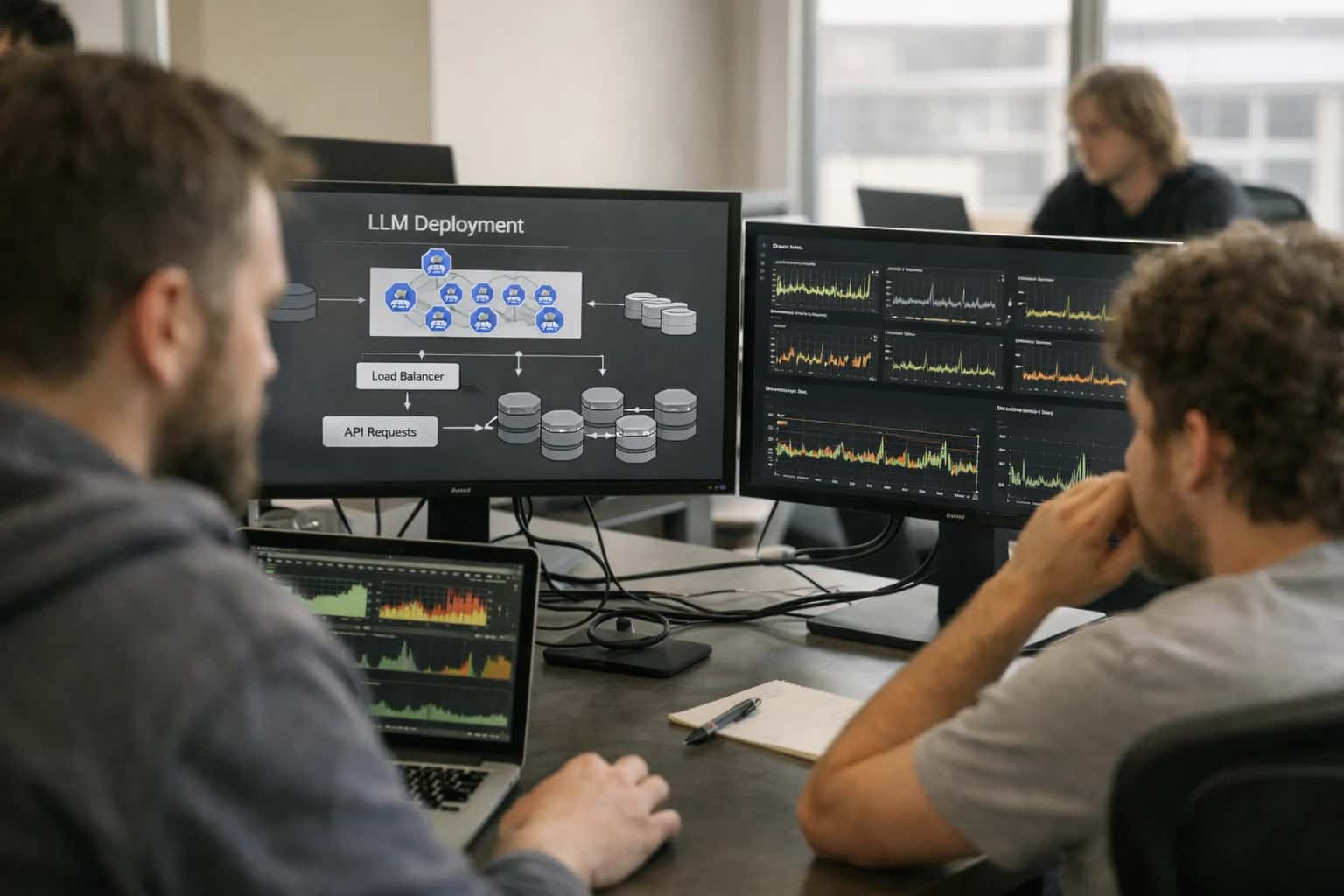
PRODUCTION CANARY ANALYSIS
What is Blue-Green Deployment?
A zero-downtime release strategy for applications and AI models.
The primary advantage is minimal risk and instantaneous rollback. Since the green environment is brought to a fully operational state before receiving any live traffic, issues can be detected in pre-switch validation, and if problems emerge post-switch, reverting is as fast as updating a load balancer's configuration. This makes it ideal for stateful applications and critical AI inference services where downtime is unacceptable. It contrasts with canary deployments by swapping 100% of traffic at once rather than a gradual percentage-based rollout.
DEPLOYMENT STRATEGY
Key Features of Blue-Green Deployment
Blue-green deployment is a release strategy that maintains two identical production environments (blue and green), allowing for instantaneous traffic switching between the old (blue) and new (green) versions to enable zero-downtime releases and fast rollbacks.
01
Zero-Downtime Releases
The core mechanism enabling zero-downtime releases is the decoupling of deployment from release. The new version (green) is fully deployed, tested, and warmed up on idle infrastructure before any production traffic is directed to it. This eliminates the traditional deployment window where the service is partially unavailable during an in-place update. The router or load balancer performs an instantaneous switch of all traffic from the old environment (blue) to the new one (green), making the update seamless to end-users.
02
Instant Rollback Capability
Blue-green deployment provides a one-step, atomic rollback. If critical issues are detected in the new green environment after the traffic switch, the router configuration is simply reverted to point back to the stable blue environment. This rollback is as fast as the initial switch, typically taking seconds, because the previous version remains fully operational and ready to serve traffic. This is superior to rollbacks in rolling update strategies, which require redeploying old versions and can take minutes under failure conditions.
03
Traffic Switching & Routing
The traffic switch is the pivotal moment in a blue-green deployment. It is controlled by a routing layer abstracted from the application servers. Common implementations include:
- Load Balancer Configuration: Updating DNS, virtual IPs (VIPs), or pool weights in hardware or software load balancers (e.g., F5, HAProxy, AWS ALB/NLB).
- Service Mesh Rules: Using resources like an Istio VirtualService to shift traffic between different Kubernetes service endpoints or subsets.
- Database Considerations: The strategy often requires the two environments to point to the same, backward-compatible database or to employ careful schema migration techniques to avoid split-brain data issues during the switch.
04
Identical Staging Environment
The green environment is a full, independent clone of the production blue environment. This includes:
- Identical Infrastructure: Same compute, memory, and network specifications.
- Same Configuration: Identical environment variables, secrets, and service connections.
- Production Data Access: Typically connects to the same production databases and caches (with careful schema management). This parity ensures that any performance, integration, or configuration issues are discovered before user traffic is affected, unlike canary deployments where issues are discovered by users in the canary group.
05
Simplified State Management
Blue-green deployment simplifies operational state compared to canary or rolling strategies. At any given time, only one environment (blue or green) is serving 100% of live traffic. The other environment is idle, being prepared for the next release, or serving as an immediate fallback. This binary state eliminates the complexity of managing multiple concurrent versions serving different user segments, debugging issues across partial deployments, or managing gradual traffic ramps. The system's state is always clearly defined as either "blue is live" or "green is live."
06
Cost & Infrastructure Trade-off
The primary trade-off for the safety and simplicity of blue-green is infrastructure cost. It requires maintaining two full production-scale environments, effectively doubling the baseline compute resource footprint. Mitigation strategies include:
- Using the idle environment for pre-production testing or synthetic monitoring.
- Leveraging cloud auto-scaling to minimize the idle environment's size when not in use, scaling it up just before a switch.
- For stateful applications, the cost of duplicate data storage or complex database migration tooling can be significant. The cost is justified for business-critical services where maximum availability and instant rollback are paramount.
COMPARISON
Blue-Green vs. Other Deployment Strategies
A feature-by-feature comparison of Blue-Green Deployment against other common release strategies for AI models and applications.
| Feature / Characteristic | Blue-Green Deployment | Canary Deployment | Shadow Deployment (Traffic Mirroring) | Rolling Update |
|---|---|---|---|---|
Primary Goal | Zero-downtime releases and instant rollback | Risk mitigation via phased exposure | Safe performance and correctness validation | In-place, resource-efficient updates |
Environment Duplication | Two full, identical production environments (Blue & Green) | Single production environment with traffic splitting | Primary environment + parallel non-serving environment | Single environment with incremental pod/instance replacement |
Traffic Switch Mechanism | Instantaneous, atomic router/load balancer switch | Gradual, percentage-based traffic routing | Duplication of 100% of traffic to shadow instance | Gradual replacement of instances behind a load balancer |
Rollback Speed | < 1 sec (single switch) | Seconds to minutes (re-routing traffic) | Immediate (shadow is non-serving) | Minutes (requires re-deploying previous version) |
Infrastructure Cost | High (100% redundant capacity) | Low to Moderate (marginal extra capacity) | High (100% redundant compute for shadow) | Low (no extra persistent capacity) |
User Impact During Failure | None (immediate rollback) | Limited to canary segment | None (shadow is invisible to users) | Potentially widespread during botched update |
Best For Validating | Full version stability and instant reversibility | Performance under real load and business metrics | Functional correctness and output quality (e.g., model hallucinations) | General application updates with tolerance for minor degradation |
Complexity of Setup | High (requires orchestration for data & state sync) | Moderate (requires traffic routing & metric analysis) | High (requires exact traffic duplication & output comparison) | Low (native to most orchestrators like Kubernetes) |
Database/State Management | Critical challenge; requires shared or synced data store | Simpler; single, version-aware data store | Critical challenge; shadow must not write to production stores | Simpler; single, version-aware data store |
Typical Use Case in AI/ML | Major model version upgrades, high-stakes API changes | New model evaluation, hyperparameter tuning | Testing new model for correctness (e.g., RAG, agents) | Updating non-critical application dependencies |
IMPLEMENTATION
Platforms and Tools for Blue-Green Deployment
Blue-green deployment is a foundational release strategy for zero-downtime updates and instant rollbacks. Its implementation relies on infrastructure orchestration, traffic routing, and automated analysis tools. This section details the key platforms and technologies that enable this pattern.
04
CI/CD Pipeline Integration
Blue-green deployment is typically a stage within a continuous integration and delivery pipeline. Tools like Jenkins, GitLab CI, and GitHub Actions automate the process:
- Build & Test: The new version (green) is built and passes integration tests.
- Environment Provisioning: The pipeline provisions or updates the green environment.
- Smoke Testing: Automated health checks validate the green environment.
- Traffic Switch: The pipeline executes the command to switch traffic (e.g., update a load balancer, modify Istio VirtualService).
- Post-Deployment Verification: Final validation tests run against the live green environment.
- Cleanup or Rollback: The old blue environment is decommissioned or, if a failure is detected, traffic is instantly switched back.
05
Infrastructure as Code (IaC) Foundations
Reliable blue-green deployments depend on immutable, reproducible infrastructure. IaC tools ensure the green environment is a perfect replica of blue.
- Terraform & Pulumi: Used to define the entire environment stack (networking, compute, load balancers). The green deployment applies the same code, often using modules or workspaces to create identical, parallel infrastructure.
- Ansible & Chef: Configuration management tools can ensure application and OS-level consistency between the two environments post-provisioning. The core principle is that the green environment is built from scratch from code, not modified in-place.
06
Database & Stateful Service Migration
The most complex aspect of blue-green deployment is handling stateful backends like databases. Strategies must prevent data divergence between environments.
- Backward-Compatible Schema Changes: All database migrations must be backward-compatible so both the old (blue) and new (green) application versions can run simultaneously against the same database.
- Database Staging Techniques: For major changes, a common pattern involves:
- Deploying the new application (green) against a copy of the production database.
- Using replication or change data capture to keep the copy in sync.
- Performing a final, brief cutover where the green app is pointed to the primary database and writes are stopped to the copy.
- Externalized State: Encouraging stateless application design, where all session data is stored in external caches (Redis) or databases, simplifies the traffic switch.
BLUE-GREEN DEPLOYMENT
Frequently Asked Questions
A release strategy for zero-downtime updates and instant rollbacks, fundamental to robust MLOps and production canary analysis.
Blue-green deployment is a software release strategy that maintains two identical, fully provisioned production environments—designated blue (the current stable version) and green (the new candidate version). The core mechanism involves deploying the new version to the idle environment, performing validation, and then instantly switching all incoming user traffic from the old environment to the new one, typically via a load balancer or service mesh configuration. This enables zero-downtime releases and provides a one-step, atomic rollback capability by simply switching traffic back to the stable environment if issues are detected.
Enabling Efficiency, Speed & Accuracy
Intelligent Analysis, Decision & Execution
We build AI systems for teams that need search across company data, workflow automation across tools, or AI features inside products and internal software.
Talk to Us
Search across company data
Give teams answers from docs, tickets, runbooks, and product data with sources and permissions.
Useful when people spend too long searching or get different answers from different systems.
Enterprise searchRAGPermissions
Read more
Automate internal workflows
Use AI to route work, draft outputs, trigger actions, and keep approvals and logs in place.
Useful when repetitive work moves across multiple tools and teams.
AI agentsWorkflow automationGovernance
Read more
Add AI to products and internal tools
Build assistants, guided actions, or decision support into the software your team or customers already use.
Useful when AI needs to be part of the product, not a separate tool.
AI integrationDecision supportModel routing
Read more
About the author
Prasad Kumkar
CEO & MD, Inference Systems
Prasad Kumkar is the CEO & MD of Inference Systems and writes about AI systems architecture, LLM infrastructure, model serving, evaluation, and production deployment. Over 5+ years, he has worked across computer vision models, L5 autonomous vehicle systems, and LLM research, with a focus on taking complex AI ideas into real-world engineering systems.
His work and writing cover AI systems, large language models, AI agents, multimodal systems, autonomous systems, inference optimization, RAG, evaluation, and production AI engineering.
LinkedIn
Limited slotsGet a Free AI Consultation
Partnered with leading AI, data, and software stack.





How We Work
Custom AI workflows for your Business
One-fit-all AI don't work for modern businesses. At Inferensys, we aim to understand your business & custom requirements; which we use to define most efficient agentic workflows, the data, and the tools for your business.
01
Review the use case
We understand the task, the users, and where AI can actually help.
Read more02
Pick the right approach
We define what needs search, automation, or product integration.
Read more03
Build the first useful version
We implement the part that proves the value first.
Read more04
Improve from there
We add the checks and visibility needed to keep it useful.
Read moreThe first call is a practical review of your use case and the right next step.
Talk to Us