An experiment dashboard is a visual interface within an experiment tracking system that aggregates and displays metrics, hyperparameters, and artifacts from multiple training runs, enabling interactive analysis and comparison. It serves as the central hub for ML engineers and data scientists to monitor progress, filter runs by tags or performance, and identify the best-performing model configurations without manually sifting through log files. Core components typically include parallel coordinates plots for high-dimensional analysis, real-time metric charts, and detailed run metadata views.

Glossary
Experiment Dashboard
An experiment dashboard is a visual interface within a machine learning tracking tool that aggregates and displays metrics, parameters, and artifacts from multiple training runs for interactive analysis and comparison.
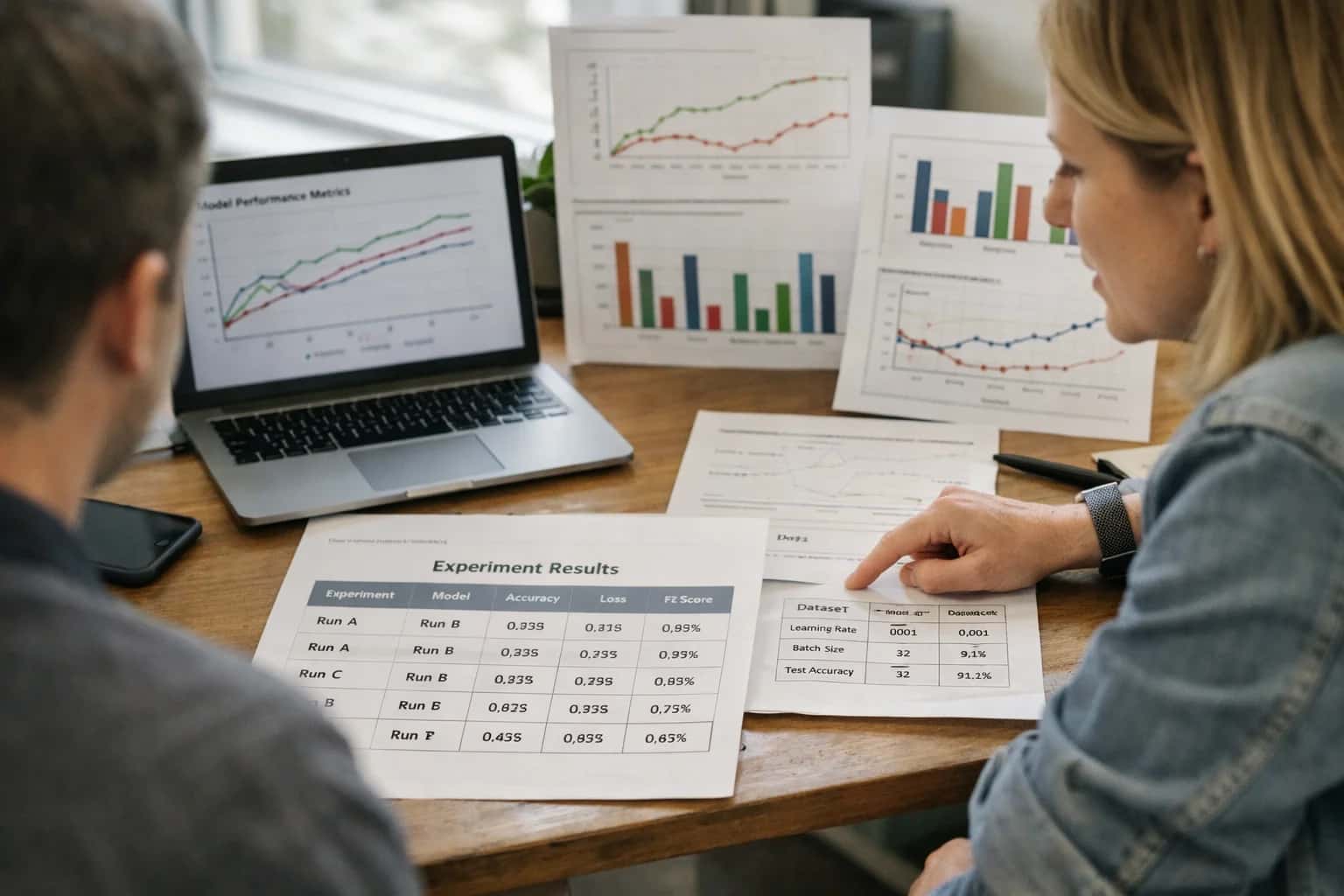
EXPERIMENT TRACKING
What is an Experiment Dashboard?
A central interface for visualizing, comparing, and analyzing machine learning training runs.
The dashboard is foundational for reproducibility and evaluation-driven development, providing a single source of truth for all experimentation. It connects directly to a tracking server (like MLflow or Weights & Biases) that logs data from distributed runs. By facilitating rapid run comparison and visual discovery of patterns between hyperparameters and outcomes, it transforms raw experiment logs into actionable insights, accelerating the model development lifecycle and supporting collaborative decision-making.
EXPERIMENT TRACKING
Core Functions of an Experiment Dashboard
An experiment dashboard is the central visual interface for analyzing machine learning runs. It aggregates logged data to enable interactive exploration, comparison, and decision-making.
01
Centralized Run Aggregation & Visualization
The dashboard's primary function is to serve as a single pane of glass for all experiment runs. It ingests logged metrics (e.g., validation loss, accuracy), hyperparameters, and artifacts from distributed training jobs, presenting them in unified, interactive tables and plots. This eliminates the need to manually collate results from disparate log files or notebooks.
- Key visualizations include metric-over-time charts (e.g., loss curves), scatter plots correlating parameters with outcomes, and summary tables.
- Real-time updating allows teams to monitor active training runs as they progress.
02
Interactive Run Filtering & Comparison
A core analytical capability is the side-by-side run comparison. Users can filter runs based on any logged attribute—such as learning_rate > 0.001, dataset_version:v2, or custom tags—and then compare their metrics and parameters in detail.
- This enables rapid hypothesis testing, answering questions like "What was the impact of increasing the batch size?"
- Advanced dashboards may feature parallel coordinates plots to visualize high-dimensional relationships between multiple hyperparameters and a target metric across hundreds of runs.
03
Hyperparameter Optimization Analysis
For teams conducting hyperparameter sweeps using tools like Optuna or Ray Tune, the dashboard visualizes the optimization landscape. It helps identify trends and optimal regions within the search space.
- Views often show the performance of each trial relative to its hyperparameter values.
- Analysts can see which trials were pruned early and understand the efficiency of the search algorithm.
- The goal is to move from raw trial results to actionable insights about which parameter combinations drive model performance.
04
Artifact & Model Management Gateway
The dashboard provides direct access to the artifacts logged for each run, such as trained model files (checkpoints), evaluation reports, confusion matrices, and visualization images. It acts as a gateway to deeper analysis and downstream systems.
- Users can directly download model files for further testing or deployment.
- Links to a model registry are common, allowing a promising run's model to be promoted to staging or production with one click.
- This bridges the gap between experimentation and MLOps lifecycle management.
05
Collaboration & Knowledge Sharing
Experiment dashboards are collaborative tools that standardize how teams discuss and document their work. Features like shared views, saved filters, and commenting on runs turn individual experiments into organizational knowledge.
- Teams can bookmark a specific set of runs that represent a successful experiment configuration.
- Annotations and tags (e.g.,
#baseline,#production_candidate) add context, making the dashboard a living record of the model development process. - This function is critical for reproducibility and onboarding new team members.
06
Integration with the Full ML Lifecycle
A mature dashboard is not an isolated tool but integrates with other components of the machine learning platform. It provides traceability forward to deployment and backward to data provenance.
- Lineage tracking may show which dataset version and preprocessing code were used for a run.
- Links might connect a run to the pipeline run that executed it or to the model registry entry created from its output.
- This creates an auditable chain from raw data to a deployed model, fulfilling requirements for governance and debugging.
EXPERIMENT TRACKING
How an Experiment Dashboard Works
An experiment dashboard is the central visual interface of a tracking system that aggregates, displays, and enables interactive analysis of machine learning training runs.
An experiment dashboard is a visual analytics interface that aggregates logged metrics, hyperparameters, artifacts, and metadata from multiple machine learning training runs into a unified, queryable view. It functions as the primary console for run comparison, allowing engineers to filter, sort, and visualize relationships between configurations and outcomes using tools like parallel coordinates plots and scatter charts. This centralized visibility is foundational for reproducibility and informed model selection.
The dashboard connects to a backend tracking server which ingests data from distributed training jobs, each identified by a unique Run ID. Engineers interact with the dashboard to drill into specific runs, examine logged artifacts like model checkpoints, and analyze performance trends. This enables systematic hyperparameter tuning analysis, identification of regressions, and collaboration by sharing views and insights, directly supporting Evaluation-Driven Development by turning raw experiment logs into actionable intelligence.
EXPERIMENT DASHBOARD
Common Platforms and Frameworks
An experiment dashboard is a visual interface within a tracking tool that aggregates and displays metrics, parameters, and artifacts from multiple runs, enabling interactive analysis, filtering, and comparison. These platforms are central to the practice of experiment tracking and evaluation-driven development.
EXPERIMENT DASHBOARD
Frequently Asked Questions
An experiment dashboard is the central interface for analyzing machine learning training runs. It aggregates metrics, parameters, and artifacts to enable interactive comparison and debugging.
An experiment dashboard is a visual interface within a machine learning tracking tool that aggregates, displays, and enables interactive analysis of metrics, hyperparameters, and artifacts from multiple training runs. It serves as the central hub for ML engineers and data scientists to compare model performance, debug failures, and identify optimal configurations without manually sifting through log files. By providing features like filtering, sorting, and visualization (e.g., parallel coordinates plots), it transforms raw experiment data into actionable insights, directly supporting the Evaluation-Driven Development methodology of rigorous, quantitative benchmarking.
Enabling Efficiency, Speed & Accuracy
Intelligent Analysis, Decision & Execution
We build AI systems for teams that need search across company data, workflow automation across tools, or AI features inside products and internal software.
Talk to Us
Search across company data
Give teams answers from docs, tickets, runbooks, and product data with sources and permissions.
Useful when people spend too long searching or get different answers from different systems.
Enterprise searchRAGPermissions
Read more
Automate internal workflows
Use AI to route work, draft outputs, trigger actions, and keep approvals and logs in place.
Useful when repetitive work moves across multiple tools and teams.
AI agentsWorkflow automationGovernance
Read more
Add AI to products and internal tools
Build assistants, guided actions, or decision support into the software your team or customers already use.
Useful when AI needs to be part of the product, not a separate tool.
AI integrationDecision supportModel routing
Read more
About the author
Prasad Kumkar
CEO & MD, Inference Systems
Prasad Kumkar is the CEO & MD of Inference Systems and writes about AI systems architecture, LLM infrastructure, model serving, evaluation, and production deployment. Over 5+ years, he has worked across computer vision models, L5 autonomous vehicle systems, and LLM research, with a focus on taking complex AI ideas into real-world engineering systems.
His work and writing cover AI systems, large language models, AI agents, multimodal systems, autonomous systems, inference optimization, RAG, evaluation, and production AI engineering.
LinkedIn
Limited slotsGet a Free AI Consultation
Partnered with leading AI, data, and software stack.





How We Work
Custom AI workflows for your Business
One-fit-all AI don't work for modern businesses. At Inferensys, we aim to understand your business & custom requirements; which we use to define most efficient agentic workflows, the data, and the tools for your business.
01
Review the use case
We understand the task, the users, and where AI can actually help.
Read more02
Pick the right approach
We define what needs search, automation, or product integration.
Read more03
Build the first useful version
We implement the part that proves the value first.
Read more04
Improve from there
We add the checks and visibility needed to keep it useful.
Read moreThe first call is a practical review of your use case and the right next step.
Talk to Us