A Performance Degradation Threshold is a predefined metric boundary—such as a drop in accuracy, precision, or an increase in a drift statistic like the Population Stability Index (PSI) —that automatically triggers a model retraining pipeline or an alert to the operations team. It serves as the critical circuit breaker in Continuous Training systems, defining the exact point at which a model is deemed no longer fit for purpose.

Glossary
Performance Degradation Threshold
A predefined metric boundary, such as a drop in accuracy or an increase in a drift statistic, that automatically triggers a model retraining pipeline or an alert to the operations team.
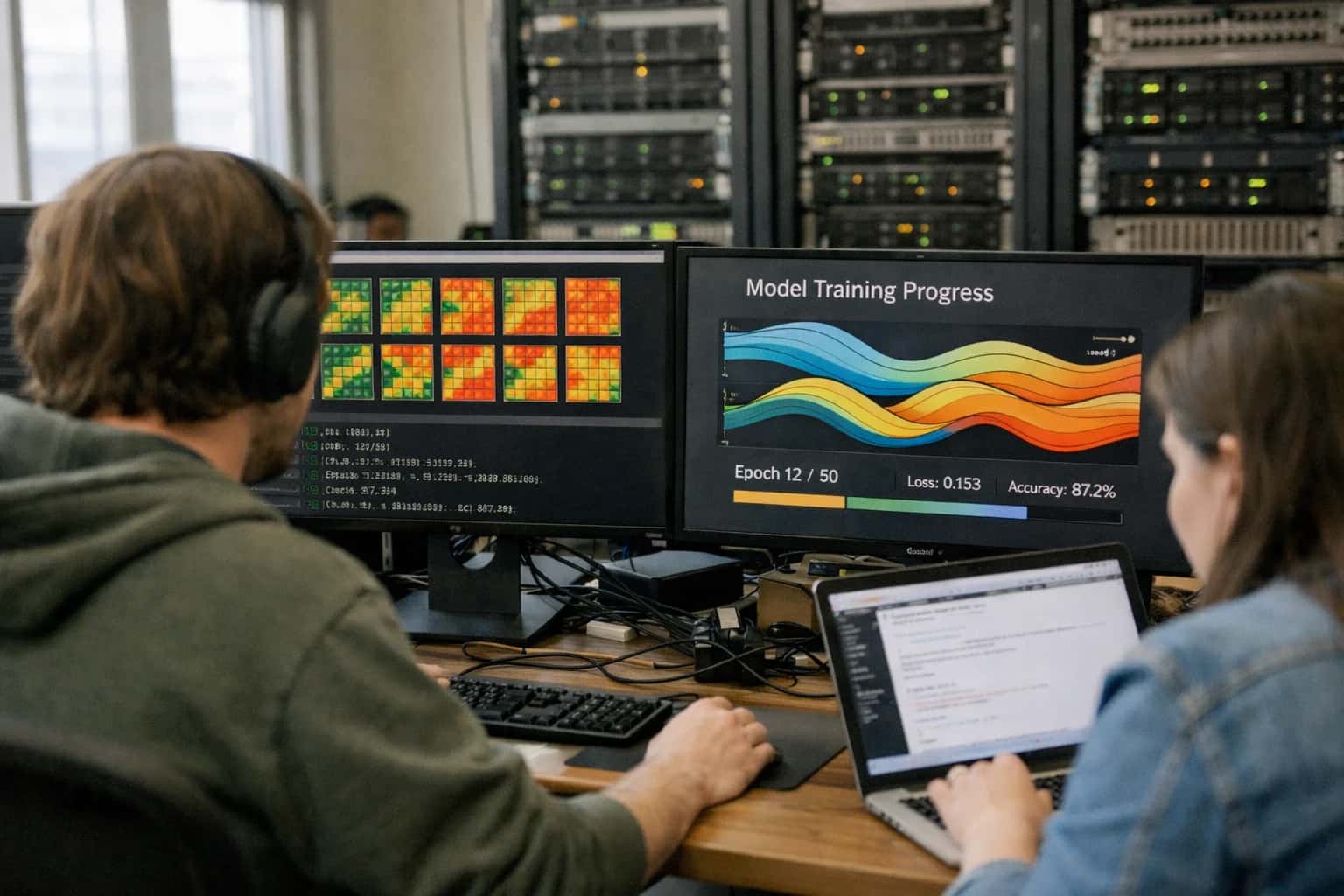
MODEL OBSERVABILITY
What is Performance Degradation Threshold?
A predefined metric boundary that automatically triggers a model retraining pipeline or an alert when predictive performance drops below an acceptable level.
Setting this threshold requires balancing business impact against operational cost. A threshold that is too sensitive causes alert fatigue and unnecessary retraining, while one that is too lenient allows Model Decay to erode business value. In MLOps platforms, this metric is continuously evaluated by Model Monitoring systems, which compare live prediction logs against a validation baseline to detect Concept Drift or Data Drift before they manifest as user-facing failures.
DEGRADATION TRIGGERS
Key Characteristics of an Effective Threshold
A performance degradation threshold is not a single number but a multi-faceted control plane. Effective implementations balance statistical rigor with operational practicality to avoid alert fatigue while catching genuine model decay.
01
Statistical Significance vs. Practical Impact
A threshold must distinguish between a transient fluctuation and a sustained degradation. Relying solely on p-values can trigger false alarms on large datasets where tiny, inconsequential shifts appear statistically significant.
- Practical significance filters: Only alert if accuracy drops by >2% AND the change is statistically significant.
- Effect size metrics: Use Cohen's d or relative change ratios to quantify the magnitude of degradation.
- Consecutive violation windows: Require the threshold to be breached for N consecutive evaluation periods before firing.
02
Multi-Metric Composite Thresholds
A single metric like accuracy can be misleading, especially with imbalanced datasets. A robust threshold monitors a panel of metrics simultaneously.
- Business KPIs: Conversion rate, revenue-per-session, or customer churn rate.
- Model quality metrics: F1-score, AUC-ROC, log-loss, or precision-recall at a specific operating point.
- Data quality proxies: Population Stability Index (PSI) for feature drift, percentage of null values, or schema violations.
- Trigger logic: Use AND/OR gates—e.g., alert if (PSI > 0.25) AND (F1-score drops > 5%).
03
Automated Action vs. Human-in-the-Loop
The threshold must be mapped to a specific runbook action. Not all breaches require a full retraining pipeline.
- Soft threshold (Warning): Sends an alert to the MLOps team's Slack channel. Triggers an automated diagnostic report.
- Hard threshold (Critical): Automatically initiates a rollback to the last known good model version or triggers a Champion/Challenger test.
- Retraining trigger: Initiates an automated retraining pipeline using a sliding window of recent data, but only deploys if the challenger outperforms the champion on a holdout set.
04
Segment-Specific Degradation
Global metrics often mask critical failures in specific slices of data. An effective threshold monitors performance across pre-defined fairness and business-critical segments.
- Protected classes: Monitor recall parity across demographic groups to detect algorithmic bias drift.
- High-value cohorts: Track precision for premium users or top-tier customers independently.
- Cold-start segments: Set a separate, more lenient threshold for new user geographies or device types where data is sparse.
- Slice-based alerting: Trigger an alert if degradation is detected in any single segment, even if the global metric is stable.
05
Baseline Selection and Adaptive Thresholding
A static threshold defined during training quickly becomes obsolete. The baseline must be dynamic.
- Windowed baseline: Compare current performance against a rolling median of the last 7 days, not the original training score.
- Seasonality awareness: Use time-series decomposition to account for known daily or weekly patterns (e.g., lower conversion on weekends) to prevent cyclical false alarms.
- Adaptive thresholds: Use a statistical process control method like CUSUM or an exponentially weighted moving average (EWMA) control chart that adjusts the alerting boundary based on observed variance over time.
06
Latency and Throughput as Degradation Signals
Model decay is not solely a predictive accuracy problem. A model update or infrastructure change can cause computational degradation that violates SLAs.
- p99 latency threshold: Alert if the 99th percentile inference latency exceeds 200ms.
- Throughput floor: Trigger if predictions per second drop below a level that threatens real-time SLAs.
- Resource saturation: Monitor GPU memory utilization and CPU throttling as leading indicators of impending latency spikes.
- Orchestration logic: A latency breach should trigger a model rollback or a scale-out event, not a retraining pipeline.
PERFORMANCE DEGRADATION THRESHOLDS
Frequently Asked Questions
Clear answers to common questions about defining, detecting, and acting on the metric boundaries that trigger automated model retraining pipelines.
A performance degradation threshold is a predefined metric boundary that, when breached, automatically triggers a model retraining pipeline or an alert to the MLOps team. It serves as the operational tripwire between passive model monitoring and active remediation. The threshold is typically defined on a key evaluation metric—such as a 5% drop in accuracy, a 10% increase in root mean square error (RMSE) , or a Population Stability Index (PSI) exceeding 0.25—measured against a validated baseline from the model's champion version. Unlike simple anomaly detection, a well-designed threshold incorporates statistical significance testing to avoid false alarms from random variance. The threshold value itself is derived from business impact analysis: a fraud detection model might tolerate only a 0.5% precision decline, while a recommendation system might allow a 3% recall drop before triggering retraining. This concept is central to continuous training architectures and is a foundational component of mature MLOps practices.
Enabling Efficiency, Speed & Accuracy
Intelligent Analysis, Decision & Execution
We build AI systems for teams that need search across company data, workflow automation across tools, or AI features inside products and internal software.
Talk to Us
Search across company data
Give teams answers from docs, tickets, runbooks, and product data with sources and permissions.
Useful when people spend too long searching or get different answers from different systems.
Enterprise searchRAGPermissions
Read more
Automate internal workflows
Use AI to route work, draft outputs, trigger actions, and keep approvals and logs in place.
Useful when repetitive work moves across multiple tools and teams.
AI agentsWorkflow automationGovernance
Read more
Add AI to products and internal tools
Build assistants, guided actions, or decision support into the software your team or customers already use.
Useful when AI needs to be part of the product, not a separate tool.
AI integrationDecision supportModel routing
Read more
About the author
Prasad Kumkar
CEO & MD, Inference Systems
Prasad Kumkar is the CEO & MD of Inference Systems and writes about AI systems architecture, LLM infrastructure, model serving, evaluation, and production deployment. Over 5+ years, he has worked across computer vision models, L5 autonomous vehicle systems, and LLM research, with a focus on taking complex AI ideas into real-world engineering systems.
His work and writing cover AI systems, large language models, AI agents, multimodal systems, autonomous systems, inference optimization, RAG, evaluation, and production AI engineering.
LinkedIn
Limited slotsGet a Free AI Consultation
Partnered with leading AI, data, and software stack.





How We Work
Custom AI workflows for your Business
One-fit-all AI don't work for modern businesses. At Inferensys, we aim to understand your business & custom requirements; which we use to define most efficient agentic workflows, the data, and the tools for your business.
01
Review the use case
We understand the task, the users, and where AI can actually help.
Read more02
Pick the right approach
We define what needs search, automation, or product integration.
Read more03
Build the first useful version
We implement the part that proves the value first.
Read more04
Improve from there
We add the checks and visibility needed to keep it useful.
Read moreThe first call is a practical review of your use case and the right next step.
Talk to Us