Autoscaling is a cloud computing feature that automatically adjusts the number of active compute instances—such as model inference servers or training nodes—based on real-time demand metrics like CPU utilization, memory pressure, or request queue length. This dynamic provisioning enables systems to maintain performance Service Level Objectives (SLOs) during traffic spikes and reduce costs during lulls by scaling down. It is a core component of progressive delivery and safe model deployment, ensuring that new model versions can handle variable load without manual intervention.

Glossary
Autoscaling
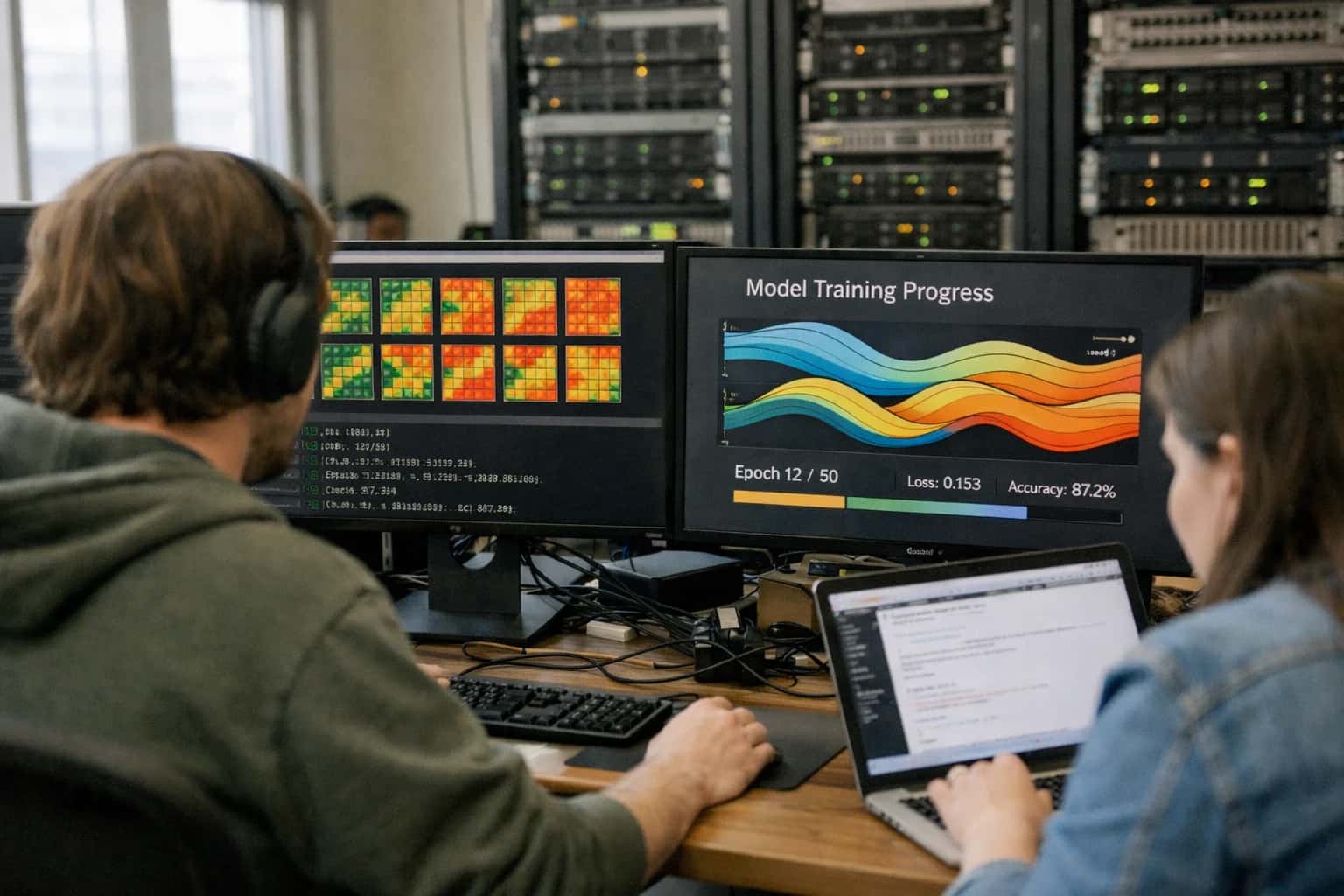
Autoscaling is a cloud computing feature that automatically adjusts the number of active compute instances (like model servers) based on real-time demand metrics such as CPU utilization, memory usage, or request queue length.
SAFE MODEL DEPLOYMENT
What is Autoscaling?
Autoscaling is a fundamental cloud infrastructure capability for dynamically managing compute resources in machine learning systems.
In MLOps, autoscaling is typically managed by a cluster orchestrator like Kubernetes, using a Horizontal Pod Autoscaler (HPA) or cloud-native services. Policies define scaling thresholds and cooldown periods to prevent rapid, costly oscillation. For model serving, this ensures inference endpoints remain responsive under load, supporting strategies like canary releases and A/B testing where traffic patterns may shift. Effective autoscaling is paired with health checks, circuit breakers, and load testing to create a resilient, cost-efficient serving architecture.
SAFE MODEL DEPLOYMENT
Key Features of Autoscaling
Autoscaling is a foundational cloud capability for ML serving that automatically adjusts compute resources in response to real-time demand, ensuring performance and cost-efficiency.
01
Dynamic Resource Provisioning
Autoscaling dynamically adds or removes compute instances (e.g., model servers, containers) based on predefined metrics. This eliminates the need for manual capacity planning.
- Core Metrics: Scaling decisions are triggered by metrics like CPU utilization, memory pressure, GPU utilization, request queue length, or end-to-end latency.
- Scale-Out: When load increases, new instances are provisioned from a machine image or container registry to handle the traffic.
- Scale-In: During periods of low demand, excess instances are terminated to reduce costs, following a cooldown period to prevent thrashing.
02
Metric-Based Triggers & Policies
Scaling behavior is governed by policies that define which metrics to monitor, thresholds for action, and the magnitude of the response.
- Target Tracking: Maintains a specific metric at a target value (e.g., keep average CPU at 70%).
- Step Scaling: Adds or removes a specified number of instances when a metric breaches a defined threshold.
- Scheduled Scaling: Proactively scales based on predictable load patterns (e.g., scaling up before a daily peak).
- Composite Alarms: Uses combinations of metrics (e.g., high CPU AND high error rate) to make more informed scaling decisions.
03
Integration with Load Balancers
Autoscaling groups are inherently integrated with load balancers (Application Load Balancers, Network Load Balancers) or service meshes. This ensures traffic is automatically distributed across the pool of healthy instances.
- Health Checks: The load balancer periodically probes instances. Unhealthy instances are removed from the pool and replaced.
- Connection Draining: During scale-in, the load balancer stops sending new requests to a terminating instance but allows existing requests to complete, preventing user-facing errors.
- This creates a self-healing infrastructure where failed nodes are automatically replaced.
04
Predictive Scaling
Advanced autoscaling systems use machine learning to forecast traffic patterns and provision resources preemptively.
- Time-Series Forecasting: Analyzes historical load data (e.g., hourly, daily, weekly cycles) to predict future demand.
- Proactive Provisioning: Launches instances before the predicted load arrives, eliminating cold-start latency that can occur with purely reactive scaling.
- This is critical for ML inference endpoints where model loading into GPU memory can take tens of seconds, ensuring capacity is ready when needed.
05
Cost Optimization
A primary driver for autoscaling is aligning compute costs directly with utilization, moving from fixed, over-provisioned infrastructure to variable, efficient spending.
- Pay-Per-Use: Costs scale linearly with actual inference demand.
- Instance Fleets: Policies can use a mix of On-Demand, Spot, and Reserved Instances to optimize for cost and availability. Spot instances can handle scalable, interruptible workloads at a fraction of the cost.
- Right-Sizing Recommendations: Cloud providers often analyze historical usage to recommend optimal instance types and scaling policies.
06
Cooldown Periods & Stabilization
To prevent rapid, costly oscillation (thrashing) of instance counts, autoscaling implements stabilization mechanisms.
- Cooldown Period: A configurable wait time (e.g., 300 seconds) after a scaling activity before another can be initiated, allowing metrics to stabilize.
- Warm Pools: Maintains a pre-initialized pool of instances in a stopped state. These can be started much faster than launching entirely new instances, reducing scaling latency.
- For ML models, a warm pool may have containers with the model already loaded into memory, enabling sub-second scale-out.
SAFE MODEL DEPLOYMENT
Autoscaling vs. Related Concepts
A comparison of autoscaling with other infrastructure and deployment strategies used in machine learning systems.
| Feature / Concept | Autoscaling | Blue-Green Deployment | Canary Release | Shadow Mode |
|---|---|---|---|---|
Primary Objective | Automatically adjust compute resources based on real-time demand (e.g., CPU, queue length). | Enable zero-downtime updates and instant rollbacks by switching traffic between two identical environments. | Validate a new version's stability and performance with a small, controlled user subset before full rollout. | Safely evaluate a new model's predictions against live traffic without impacting user-facing decisions. |
Trigger Mechanism | Predefined metrics and thresholds (e.g., CPU > 70%, latency > 200ms). | Manual or automated pipeline command to switch traffic load balancer rules. | Configuration directing a percentage of traffic (e.g., 5%) to the new version. | Configuration to copy/mirror incoming requests to a secondary processing path. |
Impact on Live Traffic | Directly scales the infrastructure serving live traffic; scaling actions can cause brief latency spikes. | Instantaneous switch of 100% of traffic from one environment to another; no gradual exposure. | Directly serves a small fraction of live users with the new version. | No impact; operates on a copy of live traffic. Primary model's responses are unchanged. |
Risk Mitigation Focus | Performance and cost optimization under variable load; prevents over-provisioning and under-provisioning. | Deployment reliability and fast recovery (rollback) by maintaining a standby, stable environment. | Contained blast radius; limits the number of users affected by a potential bug in the new version. | Eliminates user-facing risk entirely; allows for comprehensive performance and correctness analysis. |
Resource Overhead | Adds spare capacity buffers and scaling cooldown periods; can lead to resource churn. | Requires 2x the infrastructure capacity during the cutover period. | Minimal; runs two versions concurrently but for a small user slice. | High; requires full duplicate compute resources to process the mirrored traffic without serving it. |
Key Operational Metric | Resource utilization (CPU, memory), request queue length, scaling events per hour. | Deployment success rate, cutover duration, rollback time. | Error rate, performance metric delta (e.g., latency) between canary and baseline groups. | Prediction drift, performance parity, and business metric correlation between primary and shadow models. |
Integration with CI/CD | Often a post-deployment infrastructure concern, managed separately from the release pipeline. | Core deployment strategy within a CI/CD pipeline, often automated. | Core deployment strategy within a CI/CD pipeline, often automated with progressive steps. | Typically a validation phase within a CI/CD pipeline, preceding a canary or full rollout. |
Use Case in ML Systems | Scaling model inference endpoints (e.g., TensorFlow Serving, TorchServe clusters) based on request load. | Safely deploying a new, fully-trained model version or updated inference server code. | Testing a new model's real-world performance with a segment of users before replacing the champion. | Logging predictions of a candidate model on live data to evaluate for concept drift or regressions before promotion. |
AUTOSCALING
Frequently Asked Questions
Autoscaling is a critical infrastructure component for dynamic machine learning workloads. These questions address its core mechanisms, benefits, and integration within MLOps and safe deployment pipelines.
Autoscaling is a cloud infrastructure feature that automatically adjusts the number of active compute resources, such as virtual machines or containers, based on real-time demand metrics. It works by continuously monitoring key performance indicators—like CPU utilization, memory usage, or application-specific metrics such as inference request queue length—against predefined thresholds. When a metric breaches a scaling policy (e.g., average CPU > 70% for 5 minutes), the autoscaler triggers an action to add (scale out) or remove (scale in) instances from a resource pool to maintain performance and cost-efficiency. This process is managed by a control loop that evaluates metrics, makes scaling decisions, and executes changes through the cloud provider's API.
Enabling Efficiency, Speed & Accuracy
Intelligent Analysis, Decision & Execution
We build AI systems for teams that need search across company data, workflow automation across tools, or AI features inside products and internal software.
Talk to Us
Search across company data
Give teams answers from docs, tickets, runbooks, and product data with sources and permissions.
Useful when people spend too long searching or get different answers from different systems.
Enterprise searchRAGPermissions
Read more
Automate internal workflows
Use AI to route work, draft outputs, trigger actions, and keep approvals and logs in place.
Useful when repetitive work moves across multiple tools and teams.
AI agentsWorkflow automationGovernance
Read more
Add AI to products and internal tools
Build assistants, guided actions, or decision support into the software your team or customers already use.
Useful when AI needs to be part of the product, not a separate tool.
AI integrationDecision supportModel routing
Read more
About the author
Prasad Kumkar
CEO & MD, Inference Systems
Prasad Kumkar is the CEO & MD of Inference Systems and writes about AI systems architecture, LLM infrastructure, model serving, evaluation, and production deployment. Over 5+ years, he has worked across computer vision models, L5 autonomous vehicle systems, and LLM research, with a focus on taking complex AI ideas into real-world engineering systems.
His work and writing cover AI systems, large language models, AI agents, multimodal systems, autonomous systems, inference optimization, RAG, evaluation, and production AI engineering.
LinkedIn
Limited slotsGet a Free AI Consultation
Partnered with leading AI, data, and software stack.





How We Work
Custom AI workflows for your Business
One-fit-all AI don't work for modern businesses. At Inferensys, we aim to understand your business & custom requirements; which we use to define most efficient agentic workflows, the data, and the tools for your business.
01
Review the use case
We understand the task, the users, and where AI can actually help.
Read more02
Pick the right approach
We define what needs search, automation, or product integration.
Read more03
Build the first useful version
We implement the part that proves the value first.
Read more04
Improve from there
We add the checks and visibility needed to keep it useful.
Read moreThe first call is a practical review of your use case and the right next step.
Talk to Us