Canary deployment for prompts is a risk mitigation strategy in LLM operations where a new or modified prompt version is initially released to a small percentage of user traffic or a specific user segment. This controlled exposure allows teams to monitor key performance indicators—such as instruction adherence, factual accuracy, and latency—against a baseline in a live production environment before committing to a full rollout. It is a core practice within a prompt CI/CD pipeline.

Glossary
Canary Deployment for Prompts
A deployment strategy where a new prompt version is initially released to a small subset of users or traffic to monitor its performance and safety before a full rollout.
PROMPT TESTING FRAMEWORKS
What is Canary Deployment for Prompts?
A deployment strategy for safely rolling out new prompt versions by initially exposing them to a small, controlled subset of traffic.
The process functions as a real-world regression test suite, enabling the detection of issues like increased hallucination rates, unintended refusal rate changes, or degraded output consistency that may not surface in offline testing. By comparing the canary's performance with the stable version's, teams can make data-driven rollback or proceed decisions, ensuring prompt robustness and system reliability. This approach is analogous to A/B testing but is focused on operational safety and gradual validation.
PROMPT TESTING FRAMEWORKS
Key Features of Canary Deployment for Prompts
Canary deployment is a risk-mitigation strategy for releasing new prompts. It involves a controlled, phased rollout to monitor performance and safety before a full-scale launch.
01
Gradual Traffic Ramp-Up
The core mechanism of a canary deployment is the incremental increase of traffic directed to the new prompt version. This starts with a tiny fraction (e.g., 1-5%) of user requests. The percentage is slowly increased only after confirming the new version meets all performance, safety, and correctness Service Level Objectives (SLOs). This phased approach isolates risk and prevents a system-wide outage from a flawed prompt.
02
Real-Time Performance Monitoring
A canary deployment is defined by its observability. Key metrics are tracked in real-time for both the canary and the stable baseline prompt. Essential metrics include:
- Latency and Token Efficiency Ratio
- Cost per request
- Error rates and Refusal Rate Analysis
- Instruction Adherence Score and JSON Schema Validation pass rates Deviations trigger automated rollbacks, making monitoring the decision engine for the deployment.
03
Automated Rollback Triggers
The system is pre-configured with automatic rollback conditions to fail fast. If the canary prompt violates a defined threshold—such as a spike in Hallucination Detection Rate, a drop in Factual Accuracy Benchmark scores, or a surge in Toxicity Drift Test failures—traffic is instantly re-routed back to the stable version. This automation is critical for maintaining service integrity without requiring manual intervention.
04
A/B Testing & Statistical Validation
Canary deployments enable rigorous Prompt A/B Testing. By serving the new and old prompts to randomized user segments, engineers can perform a Multi-Model Comparison using both automated metrics (Automated Evaluation Metrics) and Human Evaluation Scores. This allows for statistical validation that the new prompt provides a significant improvement on target KPIs before committing to a full rollout.
05
Integration with Prompt CI/CD
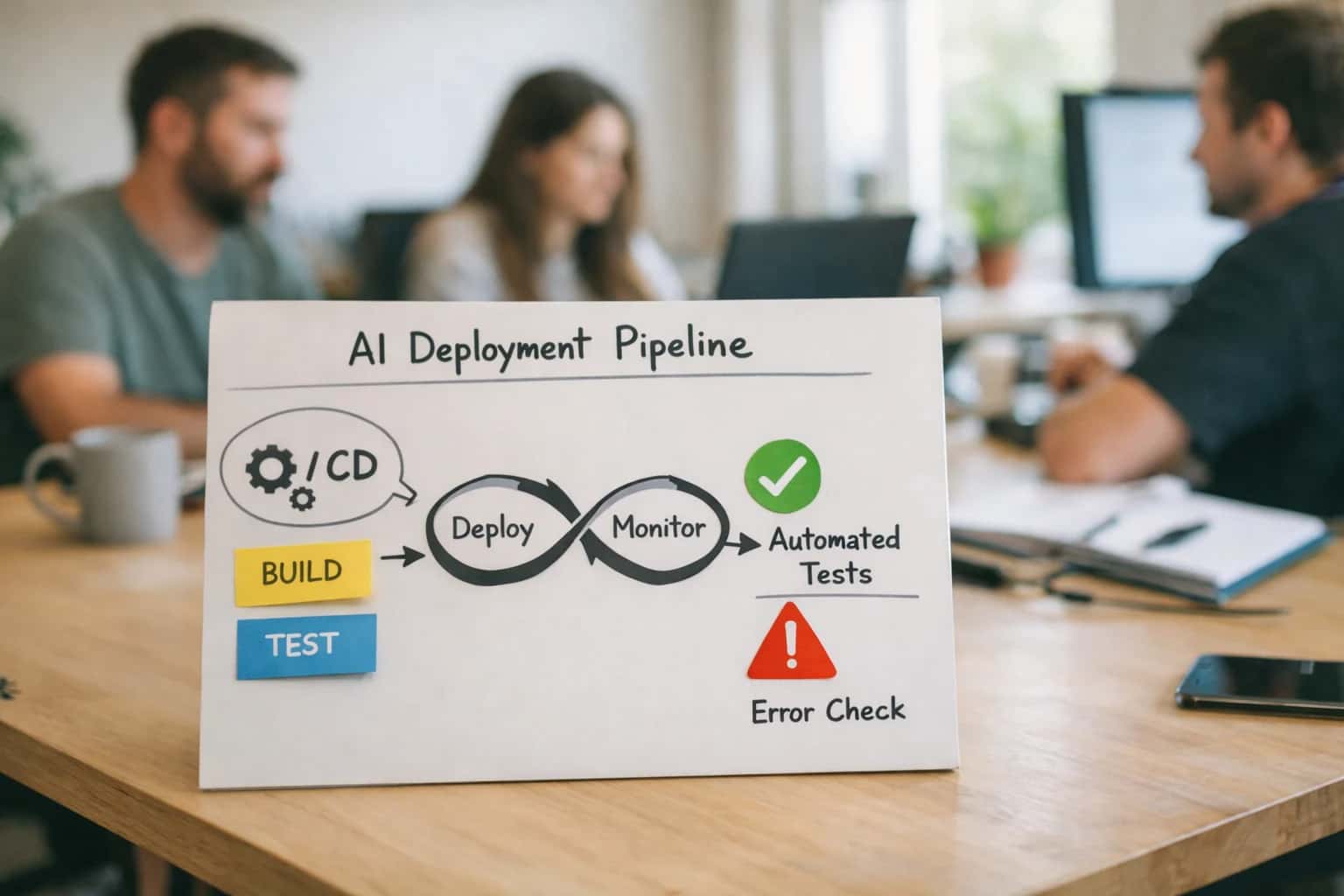
Canary deployment is a stage in a mature Prompt CI/CD Pipeline. After a prompt passes Prompt Unit Tests and a Regression Test Suite in a staging environment, it is deployed as a canary in production. This integrates prompt versioning, automated testing, and safe release into a single automated workflow, treating prompts as production-grade software artifacts.
06
User Segment Targeting
Traffic can be routed to the canary based on specific user attributes, not just random sampling. This allows for safer testing with low-risk segments first (e.g., internal beta users, specific geographic regions, or non-critical application features). It also enables testing how different user groups interact with the new prompt, providing nuanced feedback before a broader release.
PROMPT TESTING FRAMEWORKS
Canary Deployment vs. Other Prompt Release Strategies
A comparison of methodologies for releasing new prompt versions into production, highlighting trade-offs in risk, control, and operational complexity.
| Feature / Metric | Canary Deployment | Big Bang Release | Blue-Green Deployment | Feature Flagging |
|---|---|---|---|---|
Initial Release Scope | Small, controlled subset of traffic (e.g., 5%) | 100% of traffic | 100% of traffic to new environment | User-segment or condition-based |
Primary Risk Mitigation | Gradual exposure with real-time monitoring | None; relies on pre-release testing | Instant rollback via environment switch | Instant, user-level toggles |
Rollback Speed | Medium (requires routing change) | Slow (requires full redeployment) | Fast (seconds; switch traffic back) | Very Fast (milliseconds; toggle flag) |
Infrastructure Complexity | Medium (requires traffic routing logic) | Low | High (requires duplicate environments) | Medium (requires flag management system) |
Real-World Performance Testing | Yes, on live traffic | No | Yes, but on isolated environment | Yes, on targeted user segments |
User Experience Consistency | Potentially fragmented during rollout | Consistent for all users | Consistent per environment | Potentially fragmented by segment |
Cost of Implementation | Medium | Low | High | Medium to High |
Best For | High-risk changes, safety-critical prompts | Low-risk, well-tested minor updates | Full-stack application deployments | A/B testing, user-specific personalization |
CANARY DEPLOYMENT FOR PROMPTS
Frequently Asked Questions
A deployment strategy where a new prompt version is initially released to a small subset of users or traffic to monitor its performance and safety before a full rollout.
Canary deployment for prompts is a software release strategy adapted for large language model (LLM) applications, where a new or modified prompt is first deployed to a small, controlled percentage of production traffic (the "canary") while the majority of users continue to receive the stable, existing prompt. This allows for real-world monitoring of the new prompt's performance, safety, and business impact before committing to a full rollout.
In practice, this involves:
- Traffic routing logic that directs, for example, 5% of user requests to the new prompt version.
- Parallel evaluation against the same key metrics as the stable version.
- Automated rollback triggers if the canary prompt's performance degrades beyond predefined thresholds.
Enabling Efficiency, Speed & Accuracy
Intelligent Analysis, Decision & Execution
We build AI systems for teams that need search across company data, workflow automation across tools, or AI features inside products and internal software.
Talk to Us
Search across company data
Give teams answers from docs, tickets, runbooks, and product data with sources and permissions.
Useful when people spend too long searching or get different answers from different systems.
Enterprise searchRAGPermissions
Read more
Automate internal workflows
Use AI to route work, draft outputs, trigger actions, and keep approvals and logs in place.
Useful when repetitive work moves across multiple tools and teams.
AI agentsWorkflow automationGovernance
Read more
Add AI to products and internal tools
Build assistants, guided actions, or decision support into the software your team or customers already use.
Useful when AI needs to be part of the product, not a separate tool.
AI integrationDecision supportModel routing
Read more
About the author
Prasad Kumkar
CEO & MD, Inference Systems
Prasad Kumkar is the CEO & MD of Inference Systems and writes about AI systems architecture, LLM infrastructure, model serving, evaluation, and production deployment. Over 5+ years, he has worked across computer vision models, L5 autonomous vehicle systems, and LLM research, with a focus on taking complex AI ideas into real-world engineering systems.
His work and writing cover AI systems, large language models, AI agents, multimodal systems, autonomous systems, inference optimization, RAG, evaluation, and production AI engineering.
LinkedIn
Limited slotsGet a Free AI Consultation
Partnered with leading AI, data, and software stack.





How We Work
Custom AI workflows for your Business
One-fit-all AI don't work for modern businesses. At Inferensys, we aim to understand your business & custom requirements; which we use to define most efficient agentic workflows, the data, and the tools for your business.
01
Review the use case
We understand the task, the users, and where AI can actually help.
Read more02
Pick the right approach
We define what needs search, automation, or product integration.
Read more03
Build the first useful version
We implement the part that proves the value first.
Read more04
Improve from there
We add the checks and visibility needed to keep it useful.
Read moreThe first call is a practical review of your use case and the right next step.
Talk to Us