Context window usage is a telemetry metric that measures the proportion of an LLM agent's available token-based memory capacity currently occupied by conversation history, system instructions, and retrieved data. It is a critical Service Level Indicator (SLI) for agent state monitoring, providing real-time visibility into memory pressure and operational headroom. High usage can degrade performance or cause truncation of critical historical context, directly impacting the agent's coherence and task performance.

Glossary
Context Window Usage
Context window usage is a telemetry metric that measures the proportion of an LLM agent's available token-based memory (context window) that is currently occupied by conversation history, instructions, and retrieved data.
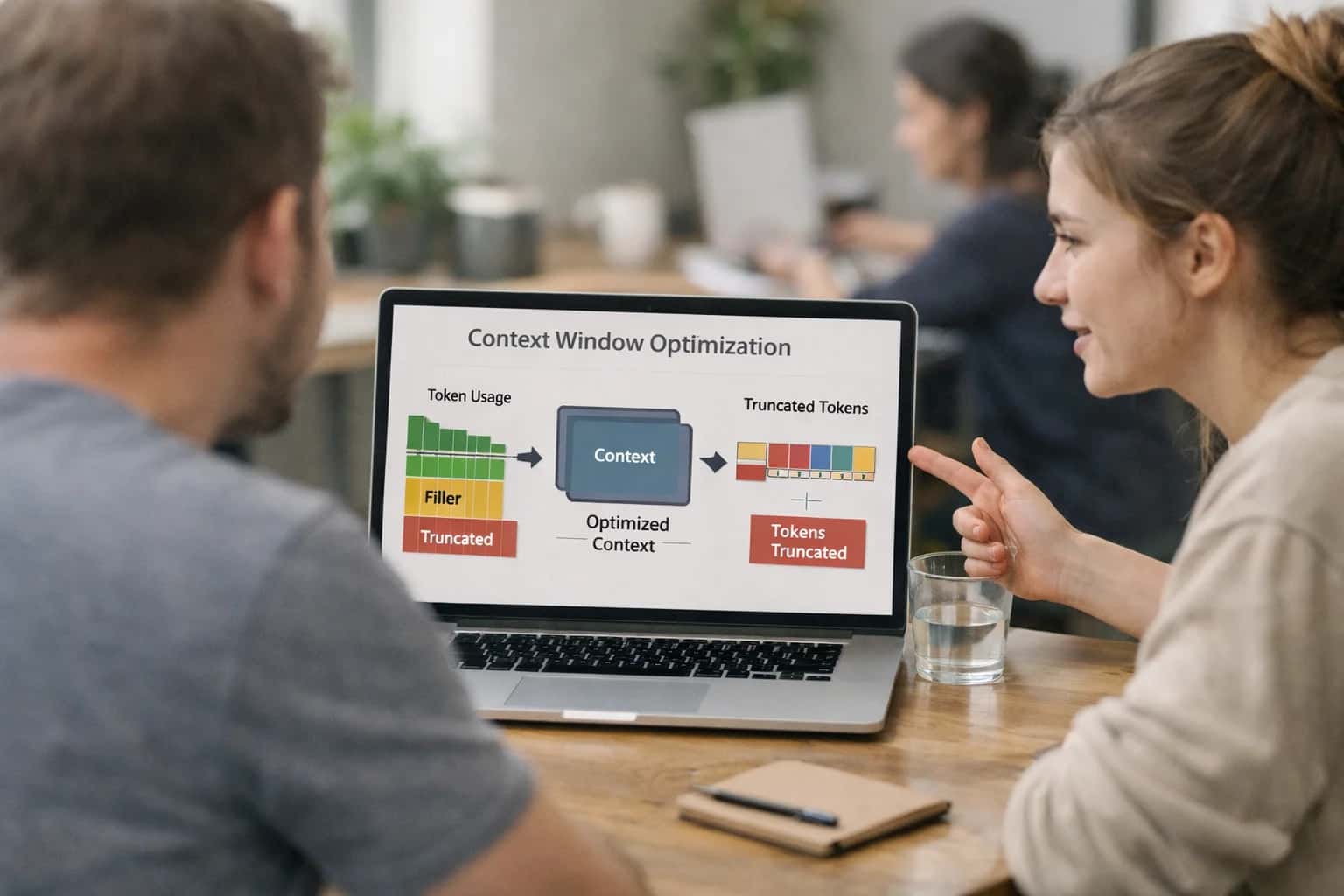
AGENT STATE MONITORING
What is Context Window Usage?
Context window usage is a core telemetry metric for monitoring the operational memory load of an LLM-powered autonomous agent.
Monitoring this metric is essential for cost optimization and performance reliability. As usage approaches the model's fixed context window limit, inference latency and cost per token typically increase. Engineers use this data to implement state eviction policies, optimize RAG retrieval strategies, and trigger alerts for anomaly detection. It serves as a foundational signal within a broader agentic observability pipeline, informing decisions about session management, batching, and architectural scaling.
AGENT STATE MONITORING
Key Components of Context Window Usage
Context window usage is a critical telemetry metric for LLM agents, measuring the proportion of available token memory occupied by conversation history, instructions, and retrieved data. Monitoring it is essential for performance, cost, and reliability.
01
Token Allocation Breakdown
The context window is not a monolithic block but is allocated to specific functional segments. A typical breakdown includes:
- System Prompt / Instructions: Fixed tokens for the agent's core directives and personality.
- Conversation History: A rolling buffer of the most recent user and assistant message exchanges.
- Retrieved Context (RAG): Documents, facts, or code snippets fetched from a knowledge base to ground the response.
- Internal Reasoning / Scratchpad: Space used by the agent for chain-of-thought, planning, or tool call outputs before final response generation. Monitoring the fill percentage of each segment helps identify optimization opportunities, such as trimming verbose history or improving retrieval precision.
02
Eviction Policies & Management
When the context window approaches capacity, an eviction policy determines what data is removed to make space for new tokens. Common strategies include:
- First-In-First-Out (FIFO): The oldest messages in the conversation history are dropped.
- Summarization: Past interactions are compressed into a concise summary, preserving semantic meaning in fewer tokens.
- Priority-Based Eviction: Critical instructions or recently retrieved facts are protected, while less relevant history is removed.
- Tool Call Result Pruning: Intermediate outputs from executed tools are truncated, keeping only their final results. Effective policy choice balances memory retention with the need for current, actionable context.
03
Performance & Cost Implications
Context window usage directly impacts two key operational metrics:
- Latency: Processing longer contexts (more tokens) increases inference time linearly or quadratically, depending on the model's attention mechanism. A window at 95% capacity will be slower than one at 50%.
- Cost: Most LLM APIs charge per token in the input context and per generated output token. High, inefficient context usage inflates operational expenses. Telemetry should track cost-per-session correlated with context window fill rate to identify wasteful patterns and optimize prompts or retrieval strategies.
> 90%
Fill Rate Can Degrade Speed
04
Integration with RAG & Memory Systems
Context window usage is the interface between an agent's short-term working memory and its long-term storage systems.
- Retrieval-Augmented Generation (RAG): The RAG context window segment is populated by a retriever. Monitoring its usage reveals retrieval effectiveness—low usage may indicate poor recall, while saturation suggests overly verbose source documents.
- Agentic Memory: For complex tasks, agents may store state, plans, or outcomes in a persistent state layer (e.g., a vector database). The context window acts as a 'loading dock,' holding relevant slices of this long-term memory for the LLM to reason over. High churn in this segment can signal inefficient memory lookup strategies.
05
Telemetry & Alerting
Effective observability requires instrumenting context window metrics and defining actionable alerts. Key telemetry signals include:
- Window Fill Percentage: The primary gauge, tracked as a timeseries.
- Eviction Events: Counters for when data is forcibly removed.
- Segment-Specific Usage: Breakdowns for history, RAG context, etc.
- Correlation with Outcomes: Linking high fill rates to increased error rates or user task failures. Alerting thresholds might be set at, for example, 85% fill to trigger warnings, and 95% to trigger critical alerts, prompting investigation into potential context overflow or 'context poisoning' attacks.
06
Optimization Techniques
Engineering teams can optimize context window usage through several methods:
- Prompt Compression: Using techniques like LLMLingua or fine-tuned small models to shrink instructional prompts without losing semantic intent.
- Smart Retrieval: Implementing re-rankers to ensure only the most relevant, concise document chunks populate the RAG segment.
- Structured Output History: Storing past interactions in a dense, structured format (e.g., JSON summaries) rather than raw dialog text.
- Dynamic Window Sizing: For agents with variable-length tasks, programmatically adjusting the total context window size (if supported by the model/API) to match the session's needs, avoiding over-provisioning and cost.
CONTEXT WINDOW USAGE
Key Monitoring Metrics and Thresholds
Critical observability metrics for monitoring an LLM agent's context window consumption, with recommended alerting thresholds for production environments.
| Metric | Definition & Purpose | Recommended Threshold | Alert Severity | Investigation Action |
|---|---|---|---|---|
Context Window Fill % | The percentage of the agent's maximum token capacity currently occupied by conversation history, instructions, and retrieved data. Primary indicator of memory pressure. |
| WARNING | Review eviction policies and prompt compression. Consider increasing model context size if persistent. |
Context Window Growth Rate (tokens/sec) | The rate at which new tokens are being appended to the context window during an active session. Indicates conversation verbosity or inefficient retrieval. |
| WARNING | Analyze prompt templates and RAG retrieval count. Implement streaming summarization for long sessions. |
Context Truncation Events | Count of occurrences where the context window was automatically trimmed (e.g., FIFO, summarization) to stay within limits, potentially losing historical information. |
| HIGH | Immediate review of session logs. Indicates poor window management or excessively long tasks. |
RAG Context / Total Context % | The proportion of the filled context window dedicated to retrieved documents versus conversation history and instructions. Measures grounding efficiency. | < 20% or > 60% | MEDIUM | Low % may indicate poor retrieval recall. High % may crowd out instructions/history, degrading coherence. |
Instruction/System Prompt Token Count | The static token count of the foundational system instructions that frame the agent's behavior. Baseline overhead. | Varies by agent. > 20% of total window | INFO | Monitor for drift. High % reduces space for dynamic content; optimize prompt verbosity. |
KV Cache Memory Usage | Memory consumed by the Key-Value cache, which stores intermediate computations for prior tokens to accelerate autoregressive generation. Directly tied to context length. | Scales linearly with context. Monitor for OOM errors. | HIGH | Correlate with fill %. Consider model quantization or dynamic batching to manage memory pressure. |
Context Window Idle Time | Duration the current context has been held in memory without a new user turn or agent action. Indicates resource inefficiency. |
| LOW | Evaluate session timeout and state eviction policies. Reclaim resources from stale sessions. |
State Rehydration Latency | Time taken to restore an agent's full context window and operational state from persistent storage (e.g., a snapshot). Impacts recovery time objectives (RTO). | P95 > 2.0 seconds | MEDIUM | Optimize serialization format and storage backend. Consider keeping hot sessions in-memory. |
CONTEXT WINDOW USAGE
Frequently Asked Questions
Context window usage is a critical telemetry metric for monitoring LLM-based agents. These questions address its measurement, optimization, and impact on agent performance and cost.
Context window usage is a telemetry metric that measures the proportion of an LLM agent's available token-based memory that is currently occupied. It is calculated as (Tokens in Use / Total Context Window Size) * 100. The tokens in use typically include the system prompt, conversation history, retrieved documents (in RAG), and the agent's own intermediate reasoning traces. Monitoring this metric is essential for understanding an agent's memory pressure and predicting potential performance degradation or increased costs as the window fills.
Enabling Efficiency, Speed & Accuracy
Intelligent Analysis, Decision & Execution
We build AI systems for teams that need search across company data, workflow automation across tools, or AI features inside products and internal software.
Talk to Us
Search across company data
Give teams answers from docs, tickets, runbooks, and product data with sources and permissions.
Useful when people spend too long searching or get different answers from different systems.
Enterprise searchRAGPermissions
Read more
Automate internal workflows
Use AI to route work, draft outputs, trigger actions, and keep approvals and logs in place.
Useful when repetitive work moves across multiple tools and teams.
AI agentsWorkflow automationGovernance
Read more
Add AI to products and internal tools
Build assistants, guided actions, or decision support into the software your team or customers already use.
Useful when AI needs to be part of the product, not a separate tool.
AI integrationDecision supportModel routing
Read more
About the author
Prasad Kumkar
CEO & MD, Inference Systems
Prasad Kumkar is the CEO & MD of Inference Systems and writes about AI systems architecture, LLM infrastructure, model serving, evaluation, and production deployment. Over 5+ years, he has worked across computer vision models, L5 autonomous vehicle systems, and LLM research, with a focus on taking complex AI ideas into real-world engineering systems.
His work and writing cover AI systems, large language models, AI agents, multimodal systems, autonomous systems, inference optimization, RAG, evaluation, and production AI engineering.
LinkedIn
Limited slotsGet a Free AI Consultation
Partnered with leading AI, data, and software stack.





How We Work
Custom AI workflows for your Business
One-fit-all AI don't work for modern businesses. At Inferensys, we aim to understand your business & custom requirements; which we use to define most efficient agentic workflows, the data, and the tools for your business.
01
Review the use case
We understand the task, the users, and where AI can actually help.
Read more02
Pick the right approach
We define what needs search, automation, or product integration.
Read more03
Build the first useful version
We implement the part that proves the value first.
Read more04
Improve from there
We add the checks and visibility needed to keep it useful.
Read moreThe first call is a practical review of your use case and the right next step.
Talk to Us