
Differences
Accessible Document Format Conversion Tools
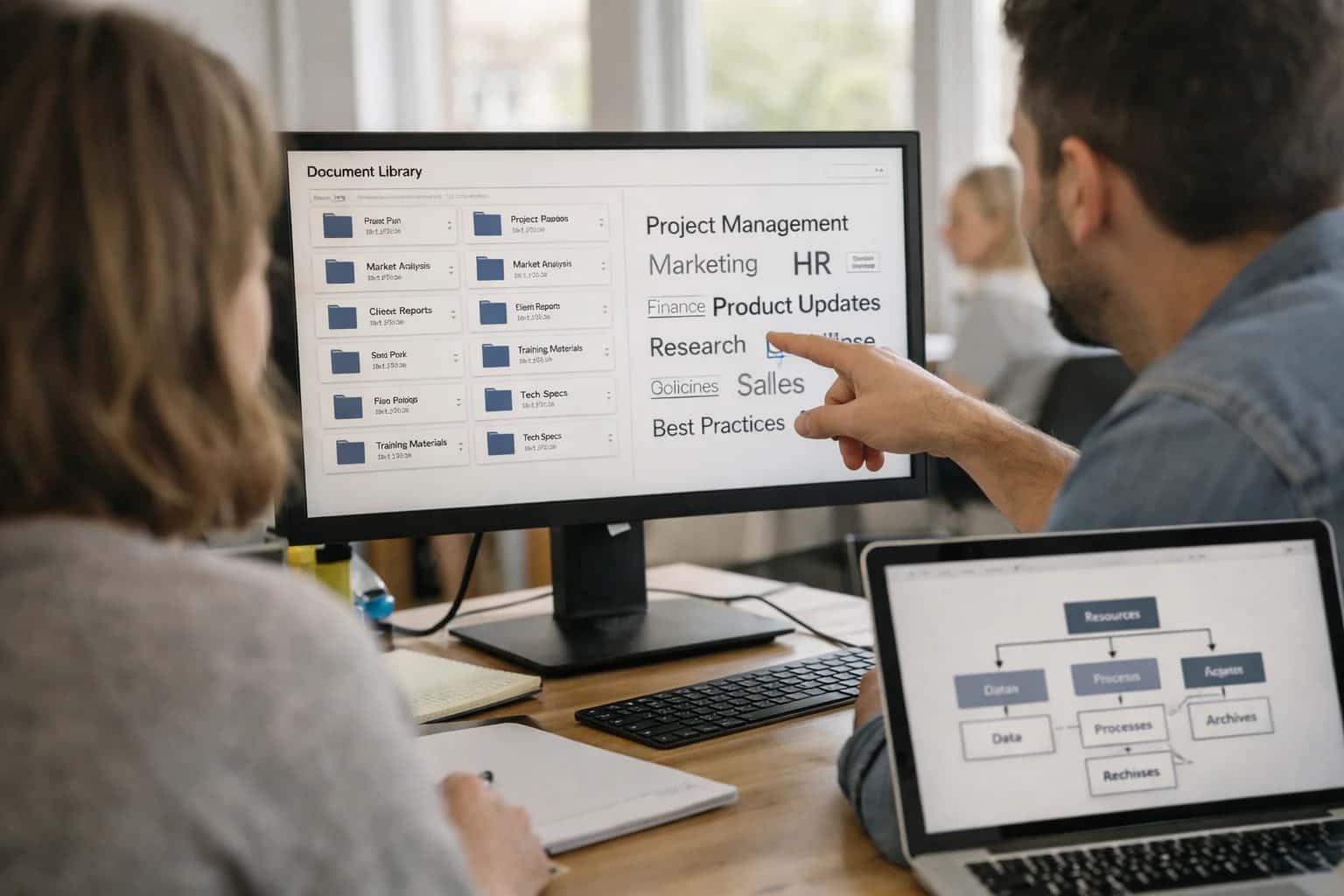
Accessible Document Format Conversion Tools
Comparisons related to batch conversion accuracy from source formats to accessible PDF, HTML, and EPUB while preserving structure and metadata. Target: IT Operations leads and Document Management Directors.
Equidox vs CommonLook
Comparing Equidox's AI-driven high-volume PDF remediation engine against CommonLook's enterprise-grade verification and compliance focus for government and higher education document accessibility.
axesPDF vs PAC (PDF Accessibility Checker)
Evaluating axesPDF's PDF/UA remediation and validation capabilities against the free PAC tool's standards-based conformance checking for developers and accessibility auditors.
AbleDocs vs Crawford Technologies
Comparing AbleDocs' fully managed document remediation services and ADStream platform against Crawford Technologies' automated high-volume transactional document accessibility solutions for the enterprise.
PAVE vs Adobe Acrobat Pro Accessibility Checker
Analyzing the free, web-based PAVE tool for basic PDF tag verification against Adobe Acrobat Pro's built-in, comprehensive accessibility checker and remediation wizard for professional users.
axesWord vs MadeToTag
Comparing axesWord's plugin for creating PDF/UA-compliant documents directly in Microsoft Word against MadeToTag's specialized InDesign-to-accessible-PDF export workflow for designers.
CommonLook PDF vs axesPDF
A head-to-head comparison of CommonLook PDF's enterprise verification and remediation suite against axesPDF's developer-oriented PDF/UA compliance and correction tools.
Equidox vs AbleDocs
Comparing Equidox's software-based, AI-assisted self-service remediation platform against AbleDocs' fully outsourced, managed service approach for high-volume document accessibility.
Crawford Technologies vs CommonLook
Evaluating Crawford Technologies' automated, high-speed transactional document accessibility against CommonLook's detailed, manual verification and enterprise compliance reporting for static documents.
PAC 2024 vs Adobe Acrobat Pro Accessibility Checker
Comparing the free, standards-focused PAC 2024 validation tool against Adobe Acrobat Pro's integrated, wizard-driven accessibility checker for comprehensive PDF/UA compliance testing.
axesPDF vs PAVE
Analyzing axesPDF's professional, desktop-based PDF/UA remediation software against the free, browser-based PAVE tool for quick and basic PDF accessibility fixes.
AbleDocs vs axesWord
Comparing AbleDocs' end-to-end document remediation service against axesWord's self-service Microsoft Word plugin for creating accessible PDFs at the source.
CommonLook vs PAVE
Evaluating CommonLook's enterprise-grade verification and compliance reporting against the free, lightweight PAVE tool for basic PDF tag structure correction.
Equidox vs axesPDF
Comparing Equidox's AI-powered, high-volume PDF remediation platform against axesPDF's detailed, manual PDF/UA compliance and validation software for accessibility specialists.
axesWord vs CommonLook Office
Comparing axesWord's Microsoft Word plugin for PDF/UA creation against CommonLook Office's suite for verifying and remediating accessibility in Word and PowerPoint documents.
PAC 2024 vs CommonLook PDF Validator
A direct comparison of the free PAC 2024 PDF/UA validation tool against CommonLook's commercial PDF Validator for detailed, enterprise-focused compliance testing and reporting.
Adobe Acrobat Pro vs axesPDF
Evaluating Adobe Acrobat Pro's built-in accessibility checker and remediation tools against axesPDF's specialized, deep-dive PDF/UA compliance and correction software.
Equidox vs Crawford Technologies
Comparing Equidox's AI-assisted, software-based document remediation against Crawford Technologies' fully automated, high-volume transactional document accessibility solutions for the enterprise.
Partnered with leading AI, data, and software stack.





How We Work
Custom AI workflows for your Business
One-fit-all AI don't work for modern businesses. At Inferensys, we aim to understand your business & custom requirements; which we use to define most efficient agentic workflows, the data, and the tools for your business.
01
Review the use case
We understand the task, the users, and where AI can actually help.
Read more02
Pick the right approach
We define what needs search, automation, or product integration.
Read more03
Build the first useful version
We implement the part that proves the value first.
Read more04
Improve from there
We add the checks and visibility needed to keep it useful.
Read moreThe first call is a practical review of your use case and the right next step.
Talk to Us