Cognitive overload occurs when an operator's working memory is overwhelmed by data volume, complexity, and urgency. In control rooms for energy grids, security, or emergency response, this leads to slower decisions and critical errors. To design an effective AI workflow, you must first conduct a task analysis to map the operator's existing mental model, pinpointing where information bottlenecks—like manual report synthesis or raw sensor data review—cause the highest strain. This analysis forms the blueprint for targeted AI augmentation.

Guide
How to Design an AI Workflow for Reducing Cognitive Overload in Control Rooms
A technical guide to designing human-centric AI workflows that augment control room operators with automated reporting, predictive insights, and just-in-time information.
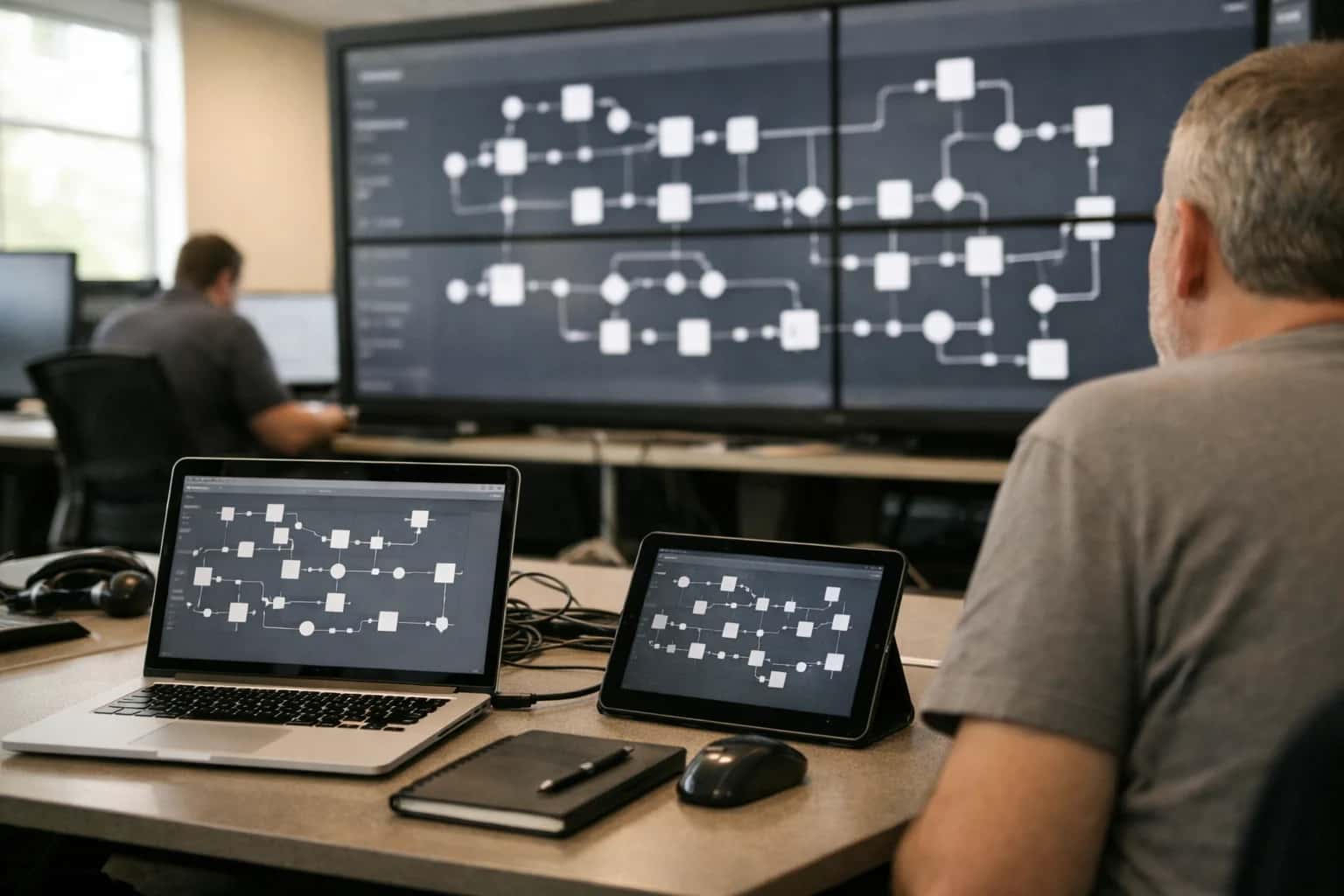
This guide focuses on the human-centric design of AI interventions within existing control room workflows. You'll map operator tasks, identify bottlenecks, and integrate AI tools for automated report generation, predictive timeline visualization, and just-in-time information delivery. The outcome is a seamless augmentation of human capability without disruptive context switching.
The core design principle is augmentation, not automation. Integrate AI tools that handle high-volume, low-cognitive tasks, freeing the operator for high-judgment work. Key interventions include a Retrieval-Augmented Generation (RAG) system for automated report summaries, a predictive timeline to visualize probable future states, and a context-aware notification system that delivers just-in-time information. The goal is a seamless interface where AI acts as a co-pilot, reducing noise and enhancing situational awareness without forcing disruptive context switching. For related patterns, see our guide on How to Architect an AI-Powered Information Filtering System.
CONTROL ROOM INTEGRATION
AI Tool Comparison Matrix for Cognitive Load Reduction
This matrix compares three primary AI tool categories for their ability to reduce cognitive load in control room workflows. It evaluates their suitability for automated report generation, predictive timeline visualization, and just-in-time information delivery.
| Core Capability | Information Filtering System | Sensor Data Triage Pipeline | 'Next Best Action' Engine |
|---|---|---|---|
Automated Report Generation | |||
Predictive Timeline Visualization | |||
Just-in-Time Information Delivery | |||
Primary Input Data Type | Unstructured Text & Logs | Real-Time Sensor Streams | Contextual Operator State |
Latency to Actionable Insight | < 5 seconds | < 1 second | < 2 seconds |
Integration Complexity with Legacy SCADA | Medium | High | Medium |
Requires Human-in-the-Loop (HITL) Verification | |||
Key Supporting Technology | Retrieval-Augmented Generation (RAG) | Anomaly Detection Models | Reinforcement Learning / Rule Engine |
Enabling Efficiency, Speed & Accuracy
Intelligent Analysis, Decision & Execution
We build AI systems for teams that need search across company data, workflow automation across tools, or AI features inside products and internal software.
Talk to Us
Search across company data
Give teams answers from docs, tickets, runbooks, and product data with sources and permissions.
Useful when people spend too long searching or get different answers from different systems.
Enterprise searchRAGPermissions
Read more
Automate internal workflows
Use AI to route work, draft outputs, trigger actions, and keep approvals and logs in place.
Useful when repetitive work moves across multiple tools and teams.
AI agentsWorkflow automationGovernance
Read more
Add AI to products and internal tools
Build assistants, guided actions, or decision support into the software your team or customers already use.
Useful when AI needs to be part of the product, not a separate tool.
AI integrationDecision supportModel routing
Read moreTROUBLESHOOTING
Common Mistakes
Designing AI to reduce cognitive load is a high-stakes engineering challenge. These are the most frequent technical and design pitfalls that undermine operator effectiveness and system adoption.
This happens when the AI workflow introduces disruptive context switching. The system surfaces information or requests input at the wrong time, forcing the operator to stop their primary task.
The fix is to design for just-in-time delivery. Map the operator's task timeline and integrate AI outputs at natural breakpoints. For example, an automated report should generate after a shift ends, not as a pop-up during a critical monitoring period. Use event-driven triggers (e.g., 'on procedure completion') rather than timer-based ones to align with human workflow states.

About the author
Prasad Kumkar
CEO & MD, Inference Systems
Prasad Kumkar is the CEO & MD of Inference Systems and writes about AI systems architecture, LLM infrastructure, model serving, evaluation, and production deployment. Over 5+ years, he has worked across computer vision models, L5 autonomous vehicle systems, and LLM research, with a focus on taking complex AI ideas into real-world engineering systems.
His work and writing cover AI systems, large language models, AI agents, multimodal systems, autonomous systems, inference optimization, RAG, evaluation, and production AI engineering.
LinkedIn
Limited slotsGet a Free AI Consultation
Partnered with leading AI, data, and software stack.





How We Work
Custom AI workflows for your Business
One-fit-all AI don't work for modern businesses. At Inferensys, we aim to understand your business & custom requirements; which we use to define most efficient agentic workflows, the data, and the tools for your business.
01
Review the use case
We understand the task, the users, and where AI can actually help.
Read more02
Pick the right approach
We define what needs search, automation, or product integration.
Read more03
Build the first useful version
We implement the part that proves the value first.
Read more04
Improve from there
We add the checks and visibility needed to keep it useful.
Read moreThe first call is a practical review of your use case and the right next step.
Talk to Us