Planning
Mission plan
A structured brief before compute starts.
Mission briefReadiness scoreAcceptance criteriaApproval gate

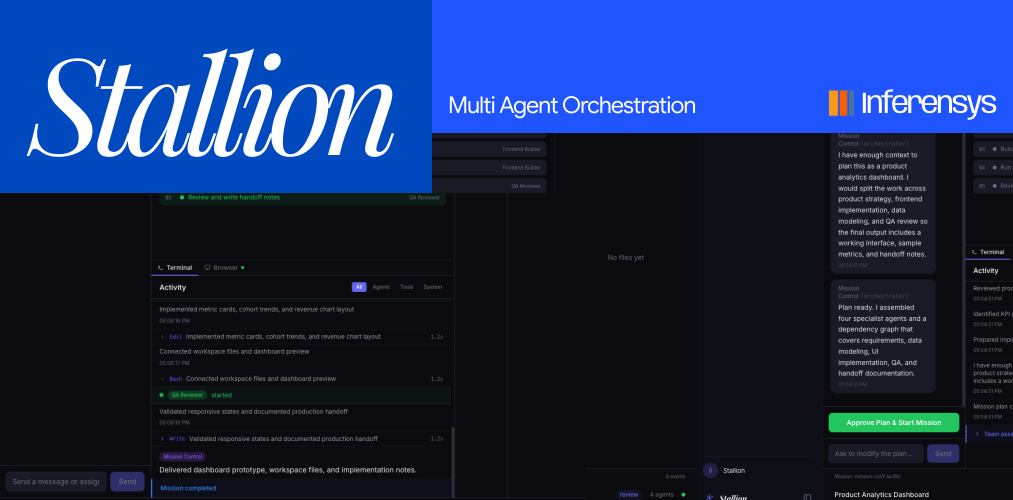
Case study / Agentic AI workspace
Stallion turns an open-ended product request into a planned, assigned, and reviewable agent run.
The product keeps the important parts visible: what the agents will do, where the work is running, what changed, who can approve it, and what gets handed off at the end.
Client
Stallion
Engagement
Product design + full-stack build
Timeline
12 weeks
Category
Agentic AI workflow automation
Runtime
Docker VM workspace
Review layer
Plan, preview, files, logs, audit
Product challenge
Every mission starts with agent roles, task order, dependencies, and acceptance criteria.
The task graph, activity feed, VM preview, and files stay connected while the run is active.
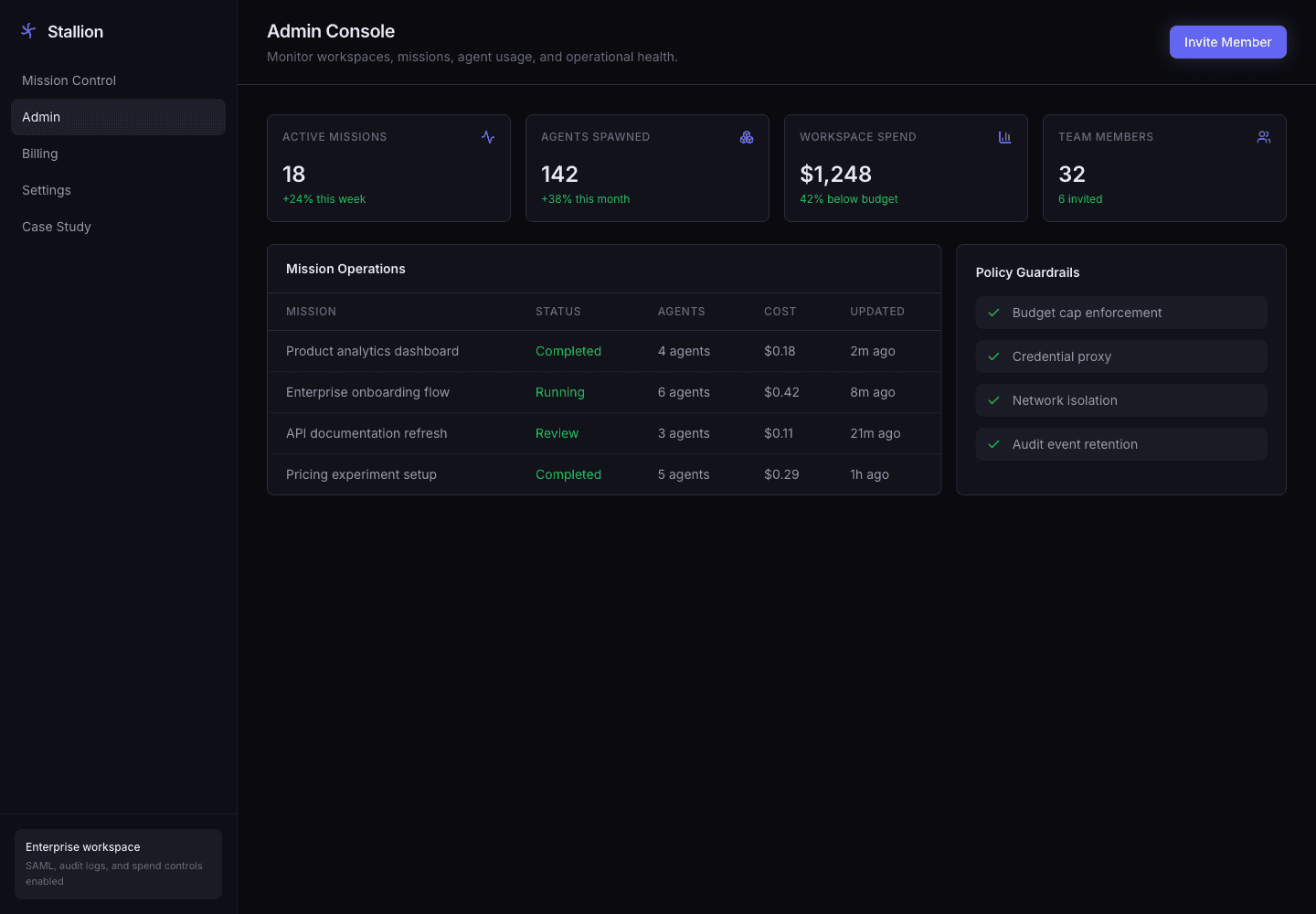
Admin, team roles, billing, integrations, security settings, and audit history are treated as core product screens.
Demo
The walkthrough shows the core loop: create a mission, review the plan, run agents in a VM, inspect the output, and keep the handoff tied to the work record.
Plan review before execution
Agent progress and task graph
Live VM preview with handoff notes
Repository
Product architecture
Stallion was designed around the full operating loop: planning, execution, review, team control, system connection, and audit.
Planning
A structured brief before compute starts.
Ownership
Clear responsibility across planning, data, UI, and QA.
Execution
Dependencies, blockers, and progress in one visual map.
Runtime
Sandboxed execution with preview, terminal, and files.
Operations
Workspace-level view of activity, policy, and usage.
Roles
Members, groups, permissions, and approval rules.
Spend
Plan usage, payment method, invoices, and budgets.
Security
Identity and runtime rules for connected work.
Systems
Connection points for the tools teams already use.
Review
A record of approvals, access, exports, and policy events.
Workspace showcase
The main workflow keeps the mission, task state, and VM output visible at every stage.
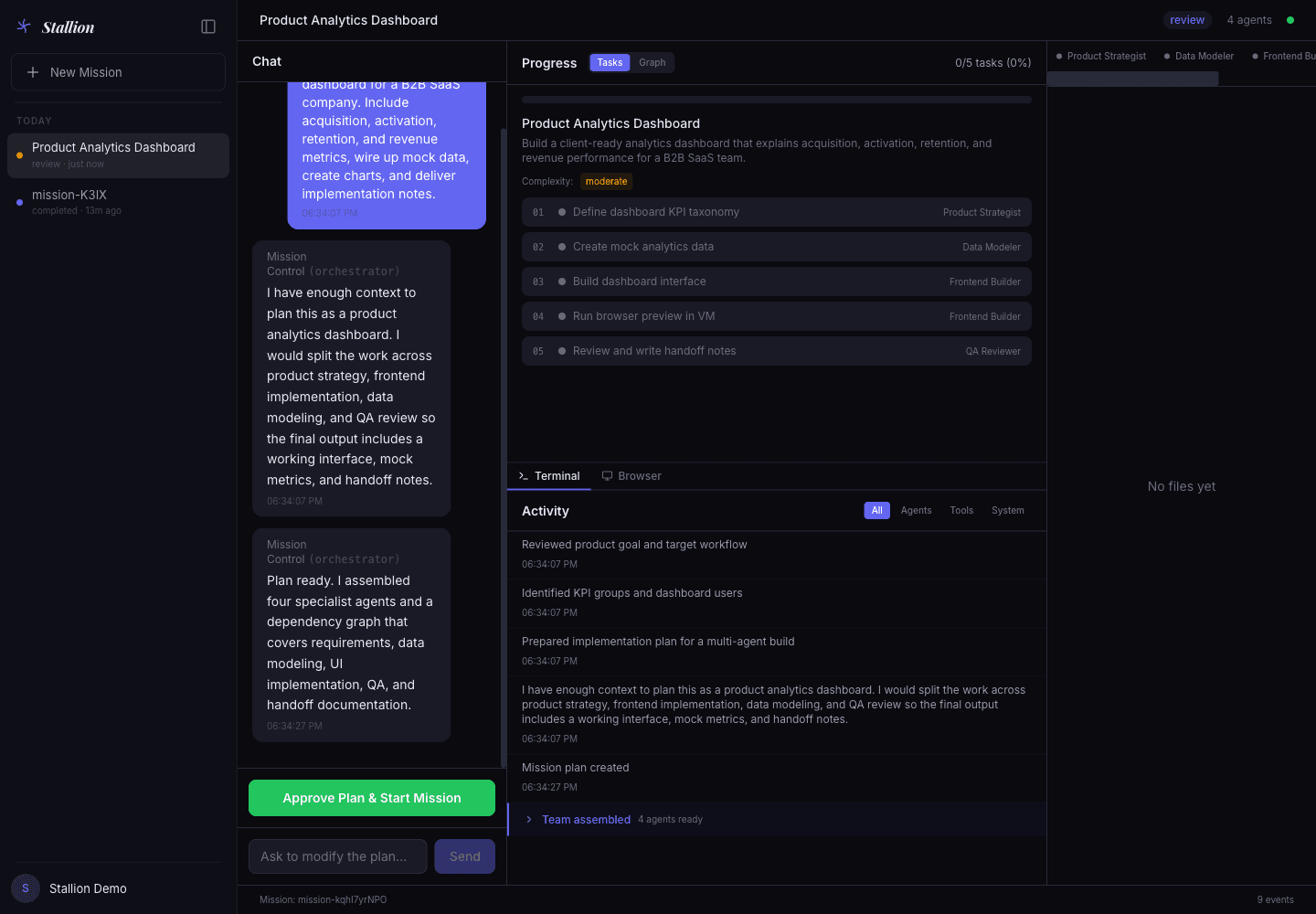
Plan review
The plan view turns a product request into assigned work, dependencies, acceptance criteria, and an approval step.
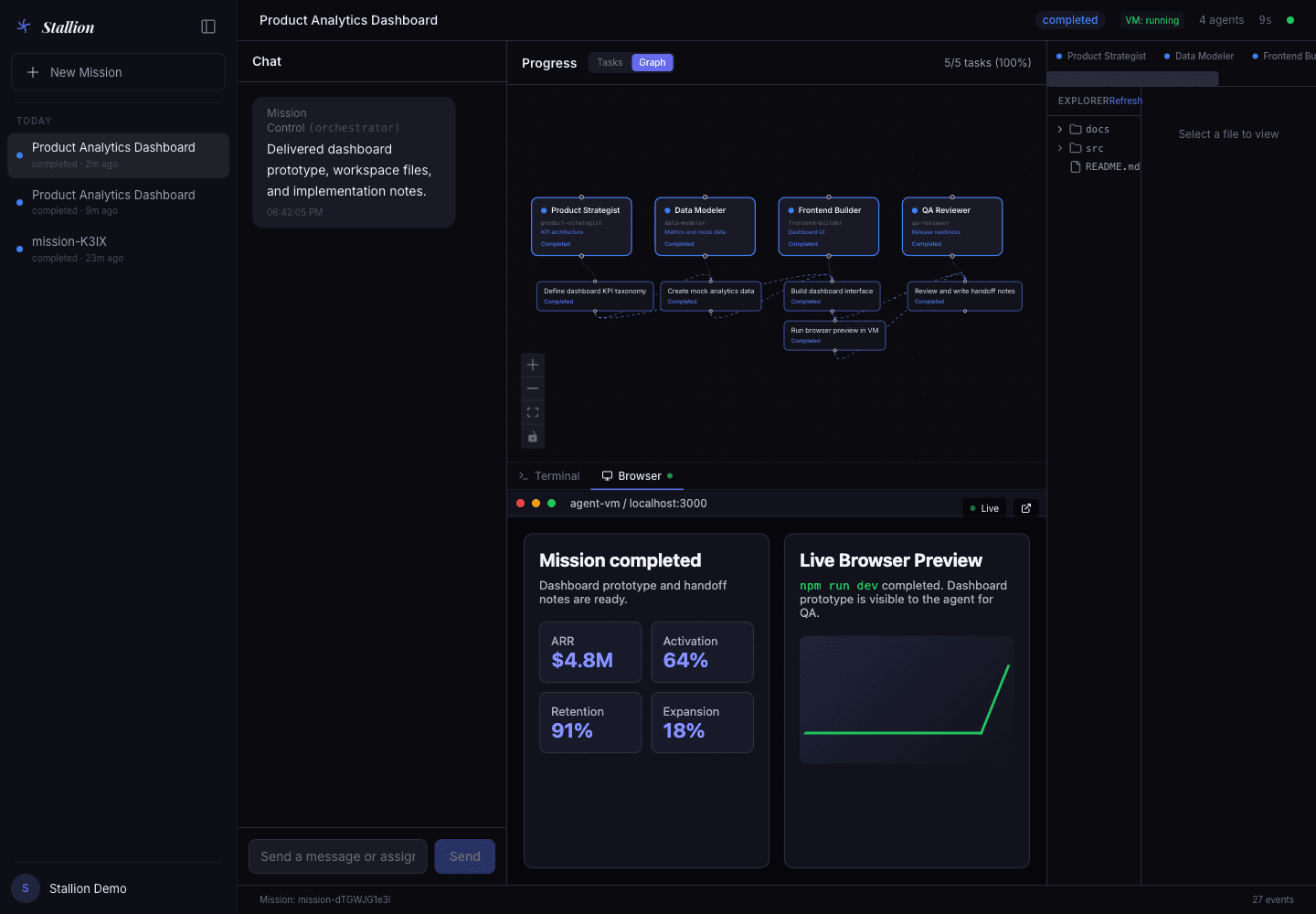
Task graph
The graph shows execution order, blockers, ownership, and completed work as the mission moves.
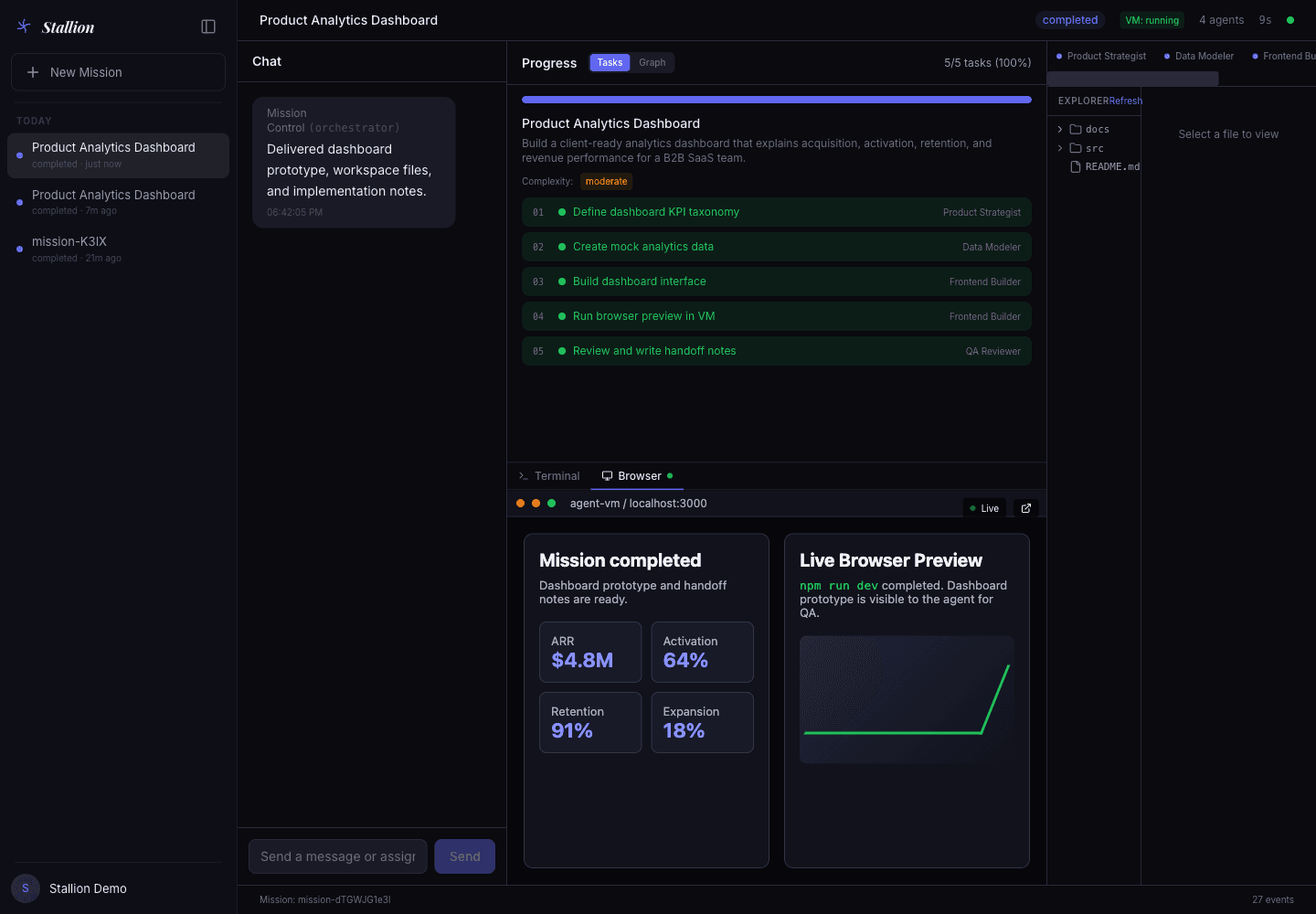
VM workspace
The browser preview, files, terminal state, and run notes stay together so the result is easy to inspect.
Workflow checkpoints
01
Confirm the mission, agent roles, task order, and approval gate before execution.
02
Keep the app preview, file tree, terminal state, and handoff notes in one place.
03
Control team access, billing, security, integrations, and audit history from the same product.
Operating loop
01
Example: a B2B SaaS analytics dashboard with activation, retention, revenue, charts, and implementation notes.
02
Stallion maps the request into agents, task order, and acceptance criteria.
03
Agents work inside the sandbox while progress and blockers remain visible.
04
Review the preview, files, terminal state, logs, and notes together.
05
The run ends with a review package another team can pick up.
Execution evidence
The VM view keeps output, files, logs, and notes attached to the mission that produced them.
Team rollout
Authentication, billing, role management, integrations, security settings, and audit review give the product the operating layer it needs beyond the main agent run.
Admin
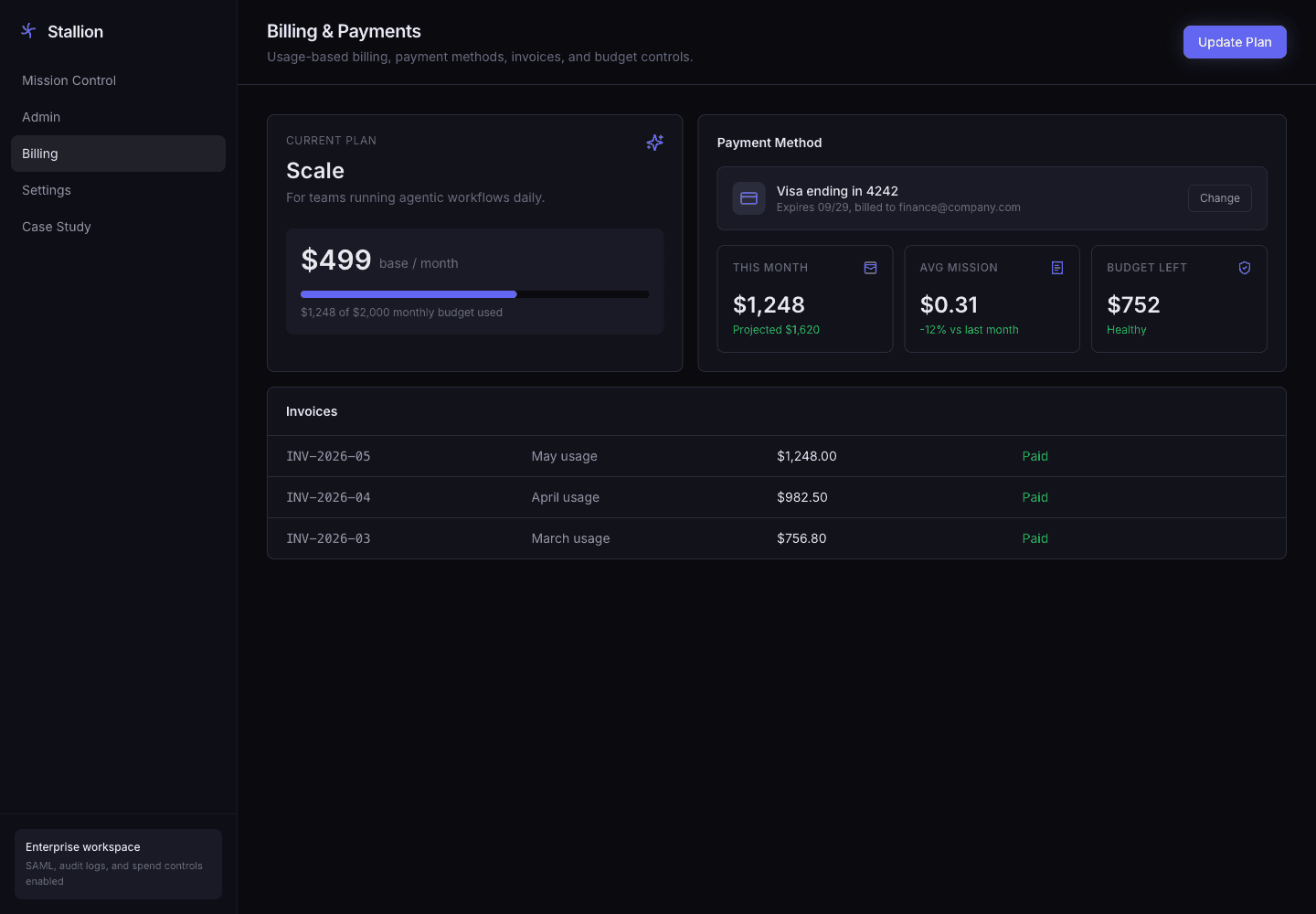
Billing
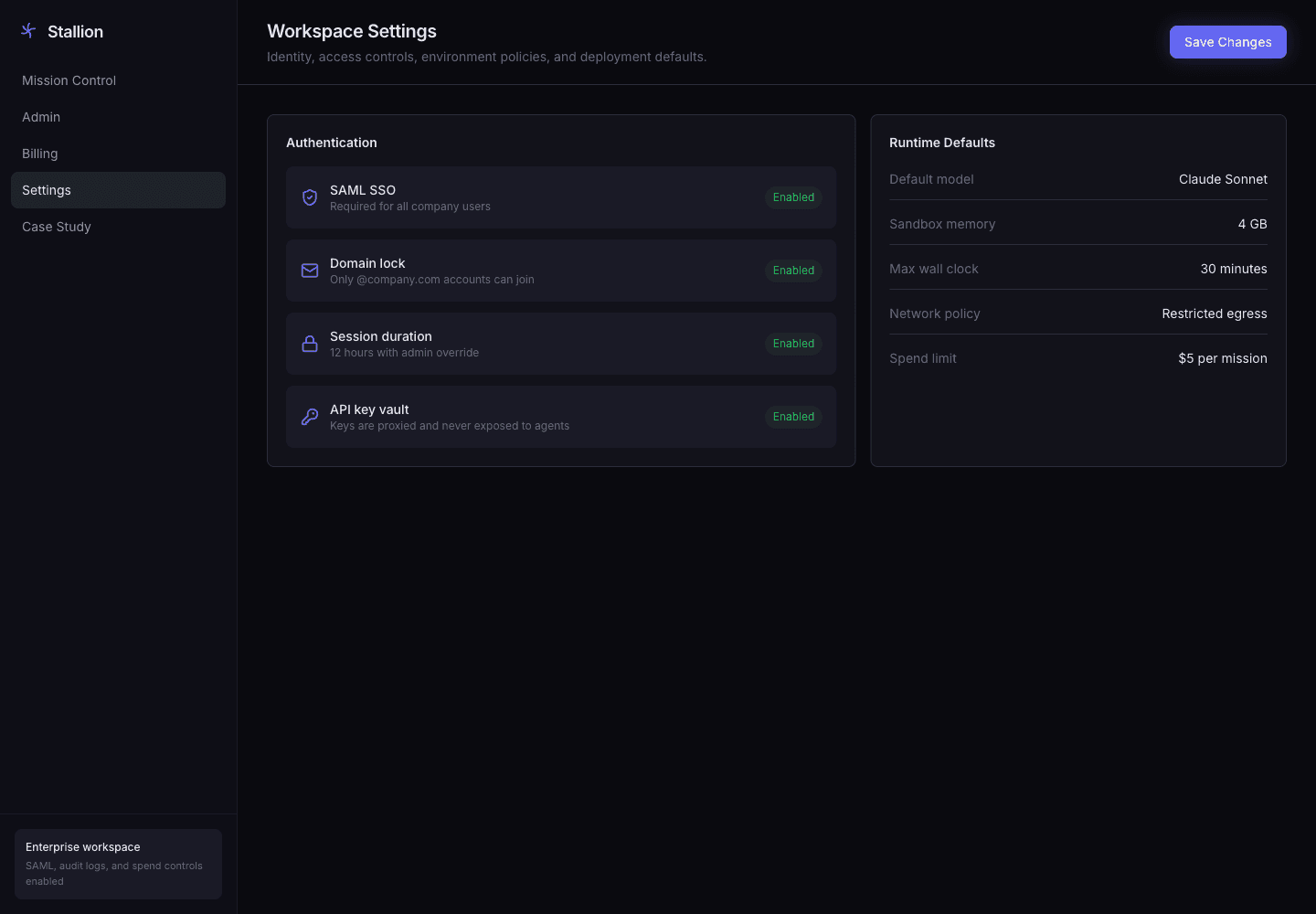
Security
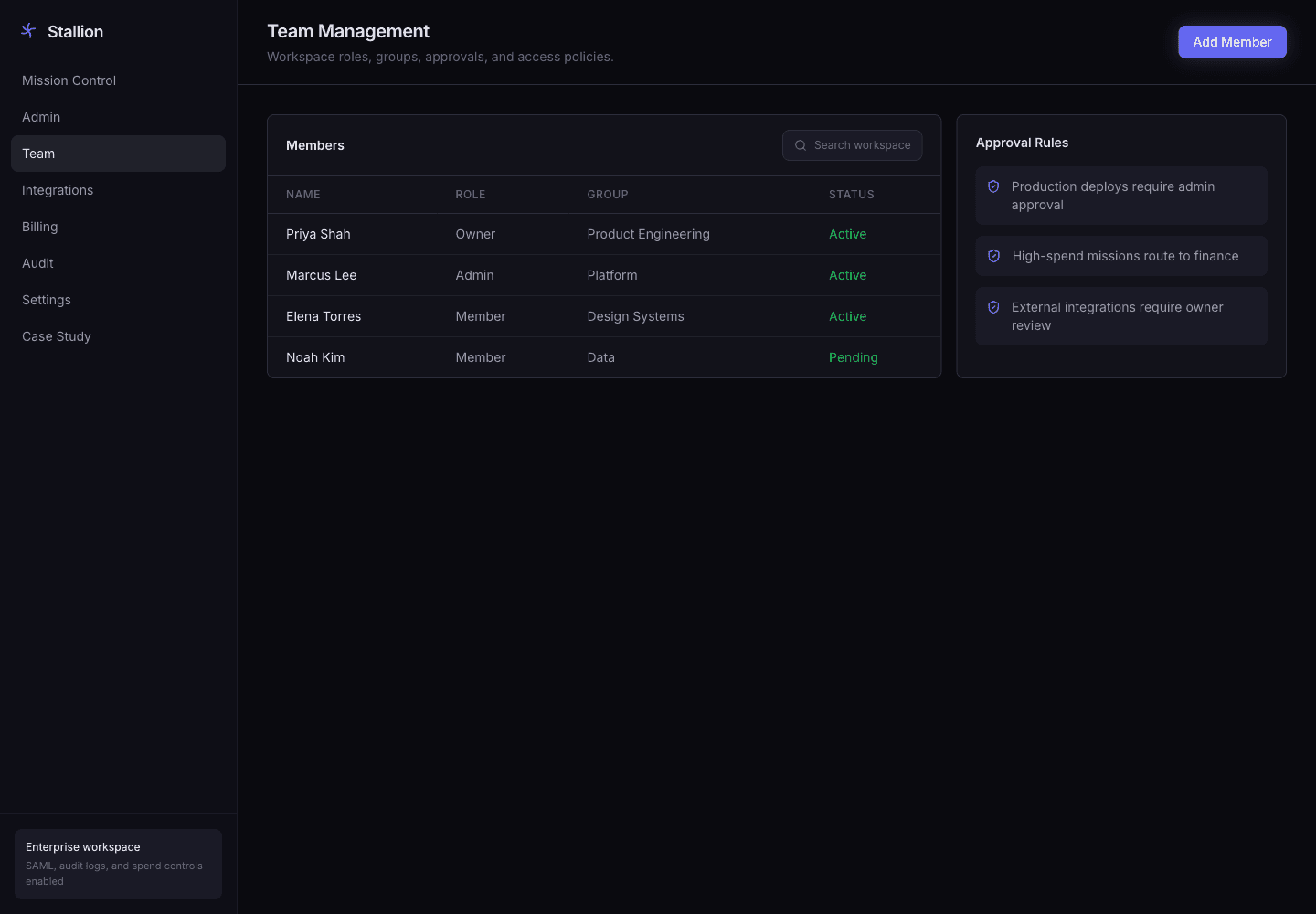
Team
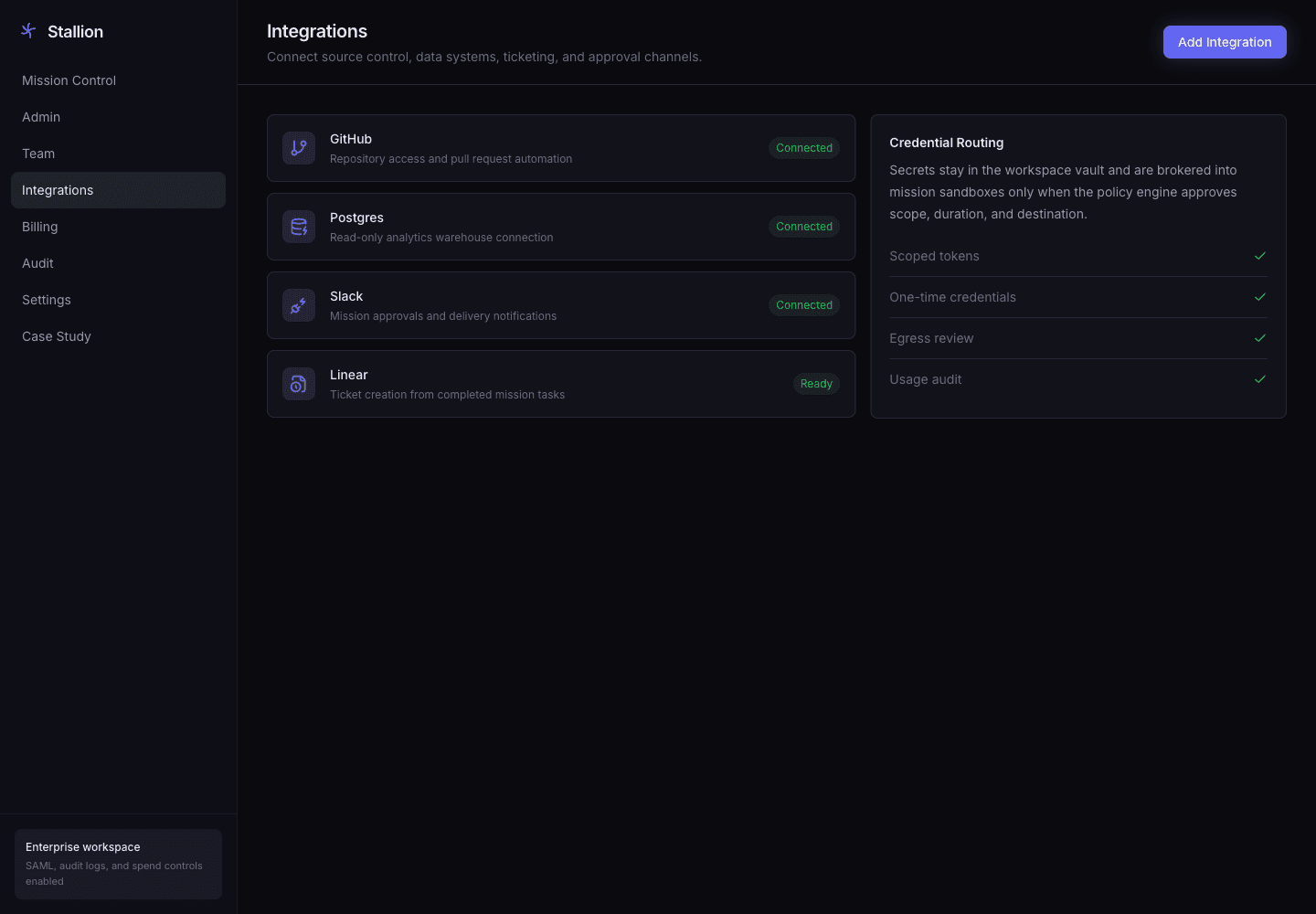
Integrations
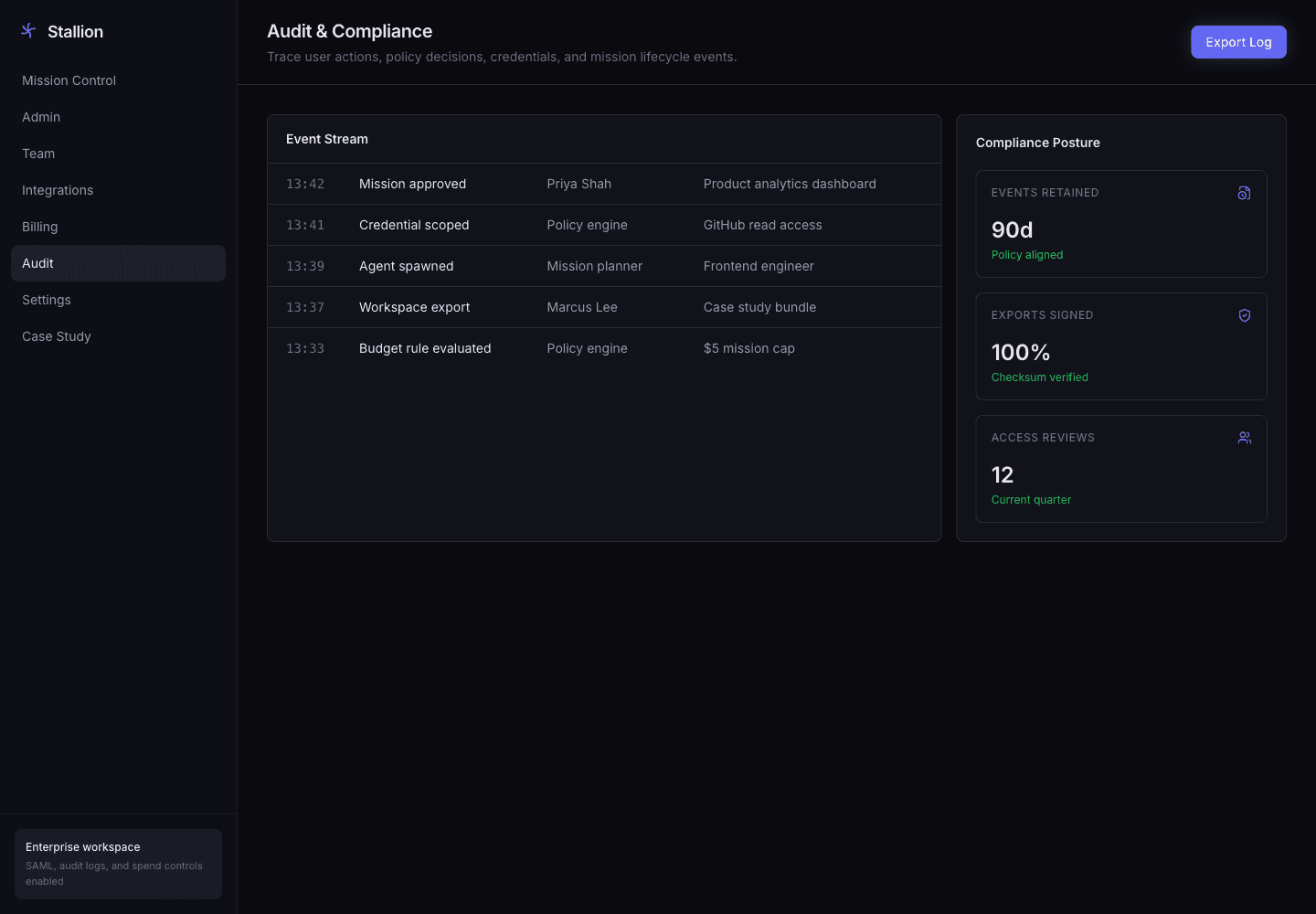
Audit
Contact
Share what you are building, where you need help, and what needs to ship next. We will reply with the right next step.
01
NDA available
We can start under NDA when the work requires it.
02
Direct team access
You speak directly with the team doing the technical work.
03
Clear next step
We reply with a practical recommendation on scope, implementation, or rollout.
30m
working session
Direct
team access