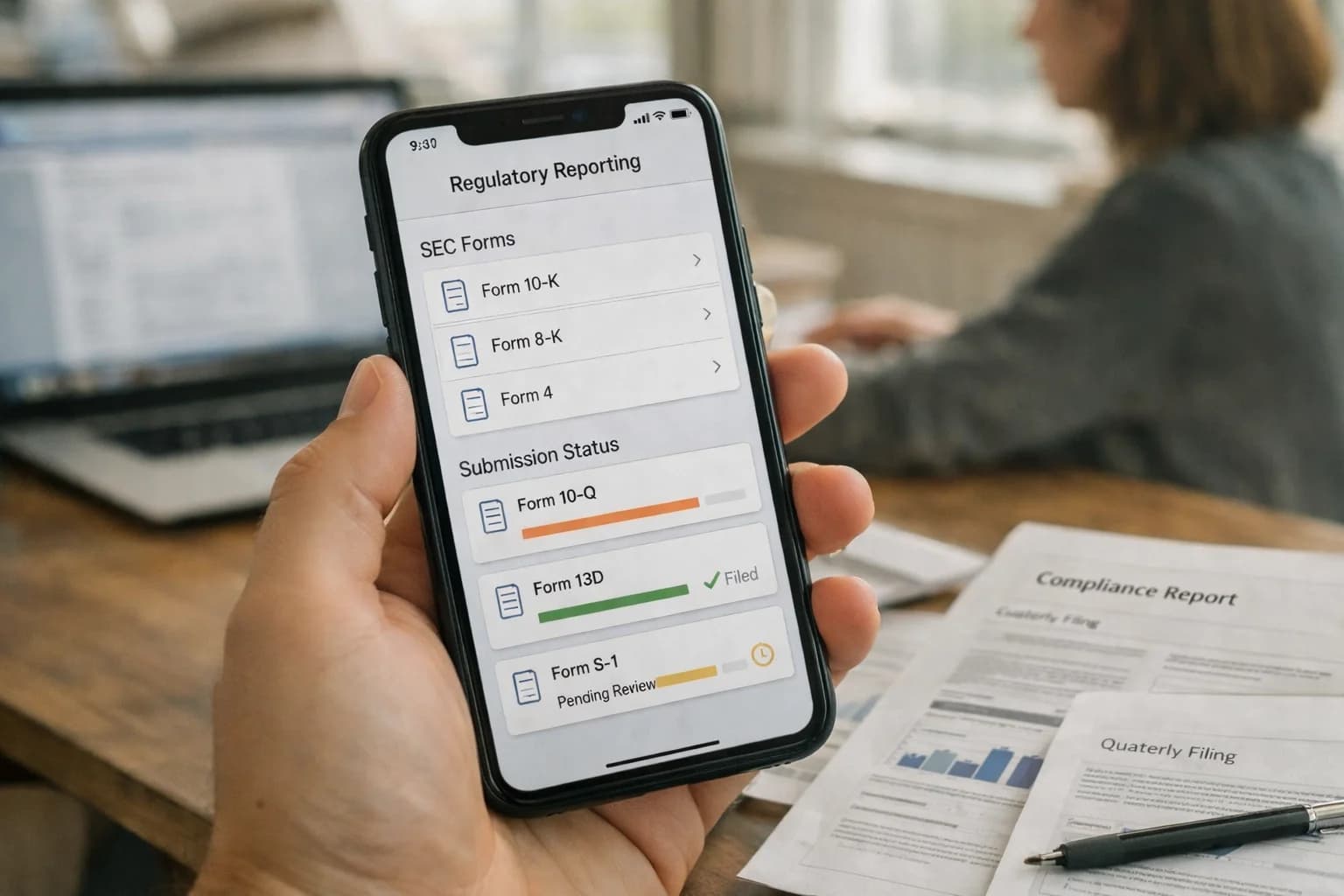
A technical blueprint for L&D administrators and platform managers to automate reporting, cohort management, compliance tracking, and communication workflows using AI, reducing manual overhead in Docebo, Cornerstone, Absorb LMS, and TalentLMS.
Reduce manual overhead in platform management by integrating AI agents into core administrative workflows.
AI integration targets the high-volume, repetitive tasks that consume L&D administrator time across platforms like Docebo, Cornerstone, and Absorb LMS. This includes automating the generation of compliance reports, managing user cohorts for rolling enrollments, sending deadline reminders, and handling routine support queries about course access or completion status. By connecting to the LMS via its REST API and event webhooks, an AI agent can listen for triggers—like a new user assignment or a course completion—and execute predefined administrative actions without human intervention.
Implementation involves mapping the agent's permissions to specific admin roles and data objects within the LMS. For example, an agent can be granted read/write access to the User, Enrollment, and Report objects to perform tasks such as: adding users to a cohort based on HRIS job code, generating and distributing a weekly compliance training status report to managers, or sending a personalized nudge to learners at risk of missing a deadline. These workflows are executed through secure, logged API calls, with human-in-the-loop approval steps configured for high-stakes actions like bulk user deletions or regulatory report finalization.
Rollout should start with a single, high-frequency workflow—such as automated cohort management for a quarterly safety training—to validate the integration's reliability and audit trail. Governance is critical: administrators must define clear guardrails for the AI's access scope, establish a review process for its automated outputs, and maintain the ability to override any action. This approach transforms the LMS admin console from a manual control panel into an orchestration layer, where AI handles the execution of routine operations, freeing administrators to focus on strategic program design and learner support.
OPERATIONAL AUTOMATION BLUEPRINT
AI Integration Surfaces in Major LMS Platforms
Automating Administrative Workflows
AI can dramatically reduce the manual effort of managing learners and cohorts. Key integration surfaces include:
User Provisioning APIs: Automate user creation, role assignment, and group enrollment by connecting the LMS to HRIS feeds or new hire systems. AI can handle exceptions and data mismatches.
Cohort Formation Logic: Use AI to analyze learner profiles, skills, and goals to automatically create balanced cohorts for leadership programs or compliance training, replacing manual spreadsheet work.
Lifecycle Automation: Trigger enrollment, reminders, and completion workflows based on job role changes, project start dates, or certification expiry dates pulled from connected systems.
Example Workflow: An AI agent monitors a Workday webhook for job role changes. When a promotion is detected, it calls the LMS API to enroll the employee in a mandatory new-manager curriculum and sends a personalized welcome message via the platform's notification engine.
OPERATIONAL AUTOMATION
High-Value Use Cases for AI in Training Operations
For L&D administrators and platform managers, AI integration transforms manual, repetitive tasks into automated workflows. These patterns connect directly to your LMS's APIs and event streams to reduce overhead and increase strategic capacity.
01
Automated Cohort & Deadline Management
AI agents monitor enrollment, completion rates, and calendar data via LMS APIs to proactively manage learner cohorts. Automatically sends reminder sequences, reassigns overdue training, and escalates exceptions to managers—turning a weekly manual review into a continuous, hands-off process.
Weekly -> Continuous
Monitoring cadence
02
Compliance Audit Report Generation
Connects to LMS completion records, user profiles, and certification data to auto-generate audit-ready reports for SOX, HIPAA, or ISO. Uses natural language to summarize compliance status, highlight gaps by department/role, and produce evidence packages—eliminating days of manual spreadsheet work before an audit.
Days -> Hours
Report preparation
03
Intelligent Support Ticket Triage
An AI copilot integrated with your LMS support portal (or Zendesk/ServiceNow) uses RAG on course catalogs and admin guides to answer common learner and admin questions instantly. For complex issues, it summarizes the ticket, fetches relevant user/ course data via API, and routes it with context to the right team member.
50%+ Deflection
Tier-1 tickets
04
Dynamic Communication Workflow Automation
Orchestrates multi-channel communications (email, Slack, Teams) based on LMS event webhooks (e.g., course enrollment, completion, expiration). AI drafts and personalizes messages, selects optimal timing, and A/B tests subject lines to improve open rates—replacing static, batch email blasts.
Batch -> Triggered
Communication model
05
User Lifecycle & Provisioning Sync
An automated workflow that syncs user data between your HRIS (Workday, UKG) and LMS. AI handles exceptions and mismatches in job codes, departments, or manager hierarchies, and automatically provisions/de-provisions access based on hire, transfer, or termination events—ensuring data integrity without manual CSV uploads.
CSV -> Event
Update method
06
Learning Impact & ROI Dashboarding
Moves beyond standard LMS reports. AI models analyze completion data alongside business metrics (from Salesforce, ERP) to correlate training with outcomes like sales performance or safety incidents. Automatically generates narrative insights and visual dashboards for L&D leaders to demonstrate program effectiveness.
Reactive -> Predictive
Analytics maturity
OPERATIONAL AUTOMATION BLUEPRINTS
Example AI-Automated Workflows for LMS Admins
These are concrete, API-driven workflows that connect AI agents to your LMS's data and automation layer. Each blueprint details the trigger, data context, AI action, and system update to reduce manual overhead in daily platform management.
Trigger: A new compliance regulation is published, or a quarterly leadership program is launched.
Context Pulled: The agent queries the LMS API for:
User records filtered by job_role, department, location, and certification_status.
Past completion data for similar mandatory trainings.
Active user status from the connected HRIS (e.g., Workday).
AI/Agent Action:
Forms Cohorts: Uses a rules engine (e.g., "all engineers in EMEA without Advanced Safety cert") to create optimal cohort lists.
Drafts Communications: Generates personalized enrollment emails and calendar invites using a template enriched with the user's name, manager, and program details.
Sets Deadlines: Calculates and sets staggered due dates based on role complexity and past completion velocity.
System Update:
Creates new cohort objects in the LMS (Docebo, Cornerstone) via POST to /api/v1/cohorts.
Enrolls users via batch API call.
Triggers the LMS's native notification system to send the drafted communications.
Logs all actions for audit in a separate governance platform.
Human Review Point: The L&D admin approves the cohort list and communication draft via a Slack alert or a dashboard before the final enrollment API call is executed.
AUTOMATED OPERATIONS
Implementation Architecture: Connecting AI to Your LMS
A technical blueprint for integrating AI agents and workflows to automate administrative tasks in your learning management system.
The core integration pattern connects an AI orchestration layer to your LMS's REST API and webhook ecosystem. This layer acts as a middleware, listening for events (e.g., user.created, course.completed, report.scheduled) and executing predefined AI workflows. Key operational surfaces include the User Management, Reporting, and Communications modules. For instance, an AI agent can be triggered by a new hire provisioning webhook from your HRIS to automatically enroll the user in required compliance tracks, send a personalized welcome message, and generate a first-week learning plan—all without administrator intervention.
For cohort and compliance management, AI workflows interact with Course Catalog and Enrollment objects. A scheduled agent can analyze completion rates against deadlines, identify at-risk learners, and trigger personalized reminder sequences or escalate to managers via email or Slack. For reporting automation, agents use the Reporting API to run complex, multi-dimensional reports (e.g., regional compliance status, skills gap heatmaps), then employ LLMs to summarize key findings, highlight anomalies, and draft executive updates—reducing a multi-hour manual process to a scheduled, unattended task.
Rollout requires a phased approach, starting with read-only reporting automation to build trust, then progressing to supervised write operations like communications. Governance is critical: all AI-generated actions should be logged to a dedicated audit trail, with high-stakes operations (like mass enrollment changes) routed through a human-in-the-loop approval queue configured in your orchestration platform. This architecture centralizes control, maintains the LMS as the system of record, and allows L&D teams to incrementally automate routine operations like cohort management, deadline tracking, and report generation, reclaiming significant time for strategic initiatives.
OPERATIONAL AUTOMATION PATTERNS
Code and Payload Examples
Automating Cohort Workflows
Use the LMS API to fetch users enrolled in a specific course or program. An AI agent can then analyze completion rates and send targeted reminders, escalating communications based on risk.
Example Python script using a generic LMS API client:
python
import requests
from datetime import datetime, timedelta
# 1. Fetch at-risk learners for a cohort
cohort_id = "CORP_ONBOARD_2024_Q3"
lms_api_url = f"https://your-lms.com/api/v1/cohorts/{cohort_id}/enrollments"
headers = {"Authorization": "Bearer YOUR_API_KEY"}
response = requests.get(lms_api_url, headers=headers)
enrollments = response.json()
# 2. AI logic to identify at-risk users (e.g., <50% progress, deadline in 3 days)
at_risk_learners = []
for enrollment in enrollments:
progress = enrollment.get('progress_percentage', 0)
due_date = datetime.fromisoformat(enrollment.get('due_date'))
days_until_due = (due_date - datetime.now()).days
if progress < 50 and 0 < days_until_due <= 3:
at_risk_learners.append({
'user_id': enrollment['user_id'],
'email': enrollment['user_email'],
'course': enrollment['course_title']
})
# 3. Trigger personalized reminder workflow
if at_risk_learners:
# Call AI service to generate & send reminder
ai_payload = {
"action": "send_reminder",
"learner_list": at_risk_learners,
"template_context": {"cohort_name": cohort_id}
}
# ... post to your AI orchestration endpoint
This automates the manual process of running reports and sending batch emails, shifting from weekly admin tasks to real-time, risk-based interventions.
AI-ENHANCED TRAINING OPERATIONS
Realistic Time Savings and Operational Impact
A comparison of manual vs. AI-assisted workflows for common L&D administrative tasks, showing realistic reductions in effort and time-to-completion.
Administrative Task
Manual Process
AI-Assisted Process
Operational Impact
Compliance Report Generation
2-4 hours of manual data export, consolidation, and formatting
Automated report assembly and narrative summary in <15 minutes
Audit-ready reports generated on-demand; frees L&D staff for analysis
Cohort Assignment & Communications
Manual list management and email drafting for each cohort launch
Dynamic cohort formation and personalized email campaign generation
Scalable program rollout; consistent, error-free participant communications
Course Catalog Tagging & Metadata
Hours of manual review and keyword entry per content item
Bulk automated tagging and description generation upon upload
Immediate searchability; maintains catalog quality as content volume grows
Learning Completion & Certification Tracking
Weekly cross-referencing of LMS data with HRIS and manual follow-ups
Automated daily sync with HRIS and proactive alerting for expirations
Real-time compliance visibility; prevents lapses in mandatory training
Training Needs Analysis (TNA)
Quarterly survey analysis and manual skill gap mapping
Continuous analysis of LMS activity, performance data, and job roles
Manual routing of learner queries based on subject line
Intent classification and automated resolution for common issues (e.g., password reset)
Reduces Tier 1 ticket volume by 40-60%; faster resolution for complex issues
Post-Training Feedback Synthesis
Reading hundreds of open-text responses to identify themes
AI summarization of sentiment, key themes, and actionable quotes
Delivers insights in hours instead of days; focuses facilitator debriefs
OPERATIONALIZING AI FOR L&D ADMINISTRATORS
Governance, Security, and Phased Rollout
A practical guide to implementing AI for training operations with control, auditability, and minimal disruption.
Start with a governed pilot targeting a single, high-volume administrative workflow, such as automated compliance report generation or cohort communication scheduling. Use the LMS's API webhooks (like user.completed or course.enrolled) to trigger AI actions in a sandbox environment. This initial phase should focus on read-only data analysis or generating draft communications that require human-in-the-loop approval before any writes back to the LMS (e.g., updating user groups or sending notifications). Implement strict role-based access control (RBAC) from day one, ensuring AI-triggered actions respect the same permissions as your L&D administrators.
For security, treat AI as a privileged integration user. Never pass raw user credentials; instead, use service accounts with scoped API tokens limited to specific endpoints (e.g., /reports, /users, /communications). All AI-generated content and administrative actions should be logged to a dedicated audit trail, capturing the source prompt, the AI's reasoning, the final output, and the approving admin's ID. For platforms like Cornerstone or Docebo, this often means writing audit events to a separate logging system or a custom object within the LMS itself to maintain a clear lineage of automated changes.
A phased rollout follows a clear path: 1) Assist (AI drafts reports, suggests cohort assignments), 2) Augment (AI executes low-risk tasks like sending reminder emails after admin review), and 3) Automate (AI fully handles defined workflows, like tagging new content based on a governed taxonomy, with periodic human spot-checks). Each phase should have defined success metrics (e.g., time saved per report, reduction in manual data entry errors) and rollback procedures. This controlled approach builds trust, allows for prompt tuning, and ensures the AI operates within the guardrails of your L&D policies before scaling to more complex operations like dynamic compliance tracking or cross-platform data synchronization.
Enabling Efficiency, Speed & Accuracy
Intelligent Analysis, Decision & Execution
We build AI systems for teams that need search across company data, workflow automation across tools, or AI features inside products and internal software.
IMPLEMENTATION AND OPERATIONS
Frequently Asked Questions
Practical questions for L&D administrators and technical teams planning to automate training operations with AI.
This workflow uses AI to interpret policy changes and update training requirements automatically.
Trigger: A new regulatory document (PDF, policy update) is uploaded to a designated source (SharePoint, policy library).
Context/Data Pulled: An AI agent uses a document understanding model to extract key obligations, affected roles, and deadlines. It then queries the LMS API (e.g., Docebo's /users or /groups endpoints) to identify users in those roles.
Model/Agent Action: The agent cross-references the new requirements with the existing course catalog. If a match exists, it creates a new training campaign via the LMS API (e.g., POST /campaign). If not, it flags the need for new content creation.
System Update: The campaign is automatically assigned to the target user group with the correct deadline. A webhook notifies the L&D team in Slack/Teams.
Human Review Point: Before final assignment, the system can be configured to require a manager or compliance officer's approval via a simple UI, ensuring oversight before mass rollout.
Payload Example (Creating a Campaign):
json
{
"name": "Q3 Data Privacy Update - Mandatory for EU Employees",
"description": "Annual GDPR refresher based on policy v2.1",
"user_ids": [12345, 12346, 12347],
"course_ids": [888],
"due_date": "2024-12-15",
"auto_enroll": true
}
About the author
Prasad Kumkar
CEO & MD, Inference Systems
Prasad Kumkar is the CEO & MD of Inference Systems and writes about AI systems architecture, LLM infrastructure, model serving, evaluation, and production deployment. Over 5+ years, he has worked across computer vision models, L5 autonomous vehicle systems, and LLM research, with a focus on taking complex AI ideas into real-world engineering systems.
His work and writing cover AI systems, large language models, AI agents, multimodal systems, autonomous systems, inference optimization, RAG, evaluation, and production AI engineering.
Partnered with leading AI, data, and software stack.
How We Work
Custom AI workflows for your Business
One-fit-all AI don't work for modern businesses. At Inferensys, we aim to understand your business & custom requirements; which we use to define most efficient agentic workflows, the data, and the tools for your business.
The first call is a practical review of your use case and the right next step.